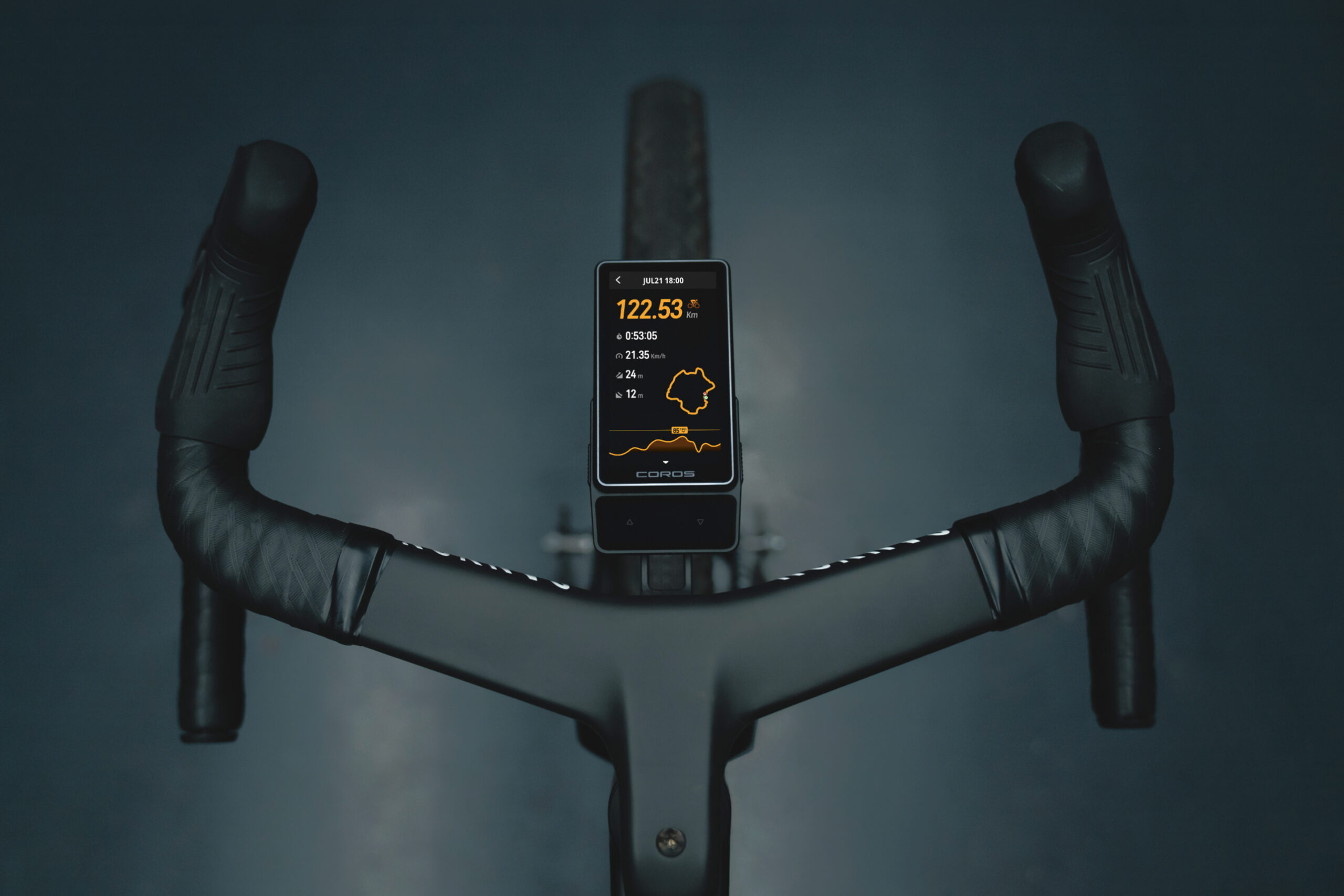


COROS is taking a much bigger swing at the high-end cycling computer market with the new DURA 2 Solar. It’s not that we didn’t like the OG Dura (reviewed here), because we did; it just wasn’t enough to pull most away from their beloved Garmin or Wahoo ecosystem. The newest COROS DURA 2 Solar, however, took all the cycling-world feedback and delivered a hell of a sophomore effort. Plus – in a polarizing move, they eliminated the signature thumb dial.
COROS DURA 2 Solar: What’s New?
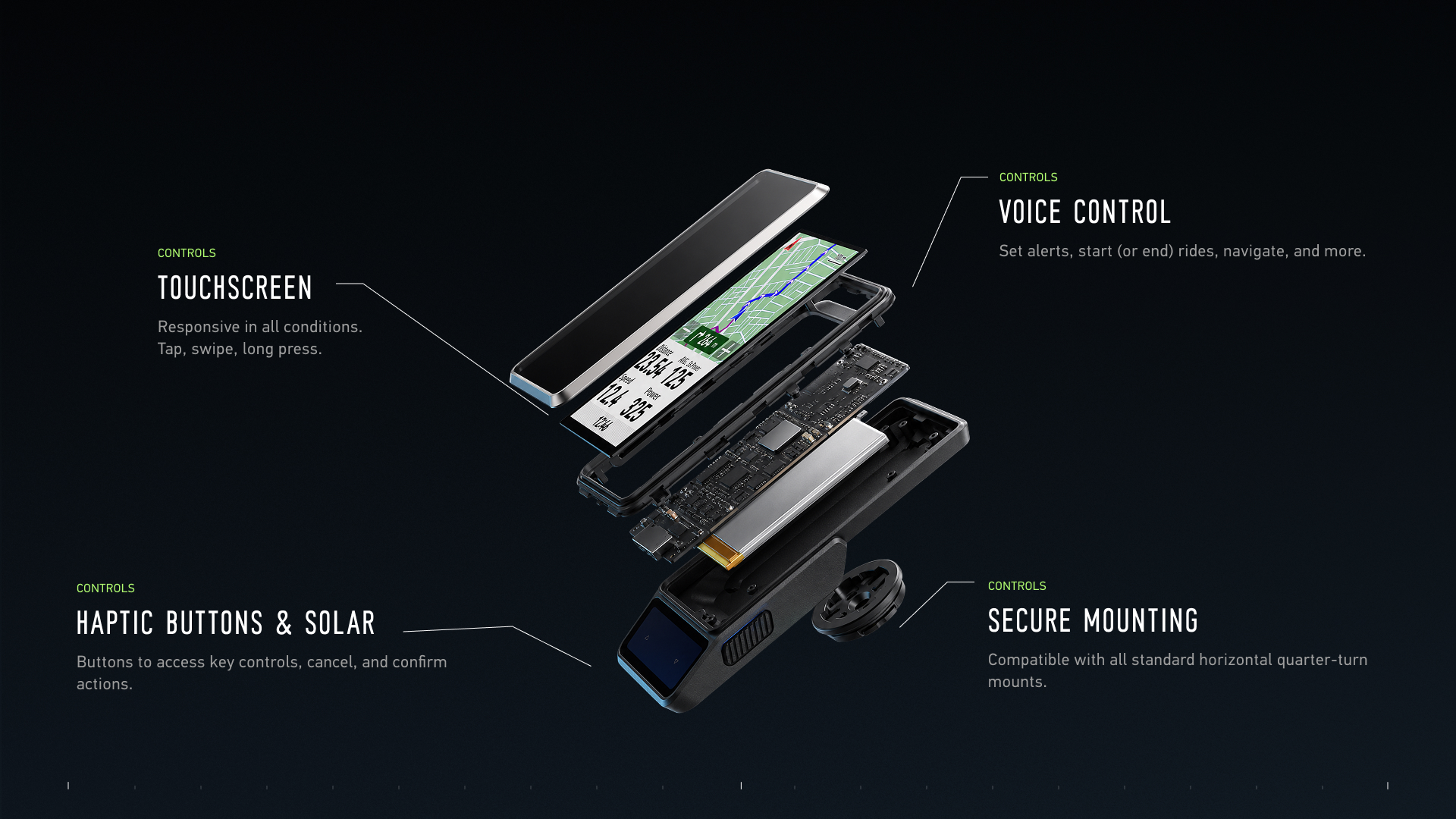
The second-generation DURA gets an entirely new chassis, a larger (UCI-compliant) 3.5-inch touchscreen, carbon-and-aluminum construction, voice controls, updated navigation, and a claimed 120 hours of battery life on all systems (70 hours for dual frequency on all systems).
It also comes with a significantly higher price than the original DURA. The new computer starts at $499 without a mount, while the DURA 2 Solar with COROS’ aluminum standard mount sells for $549.
Carbon, Alloy, and 99 Grams
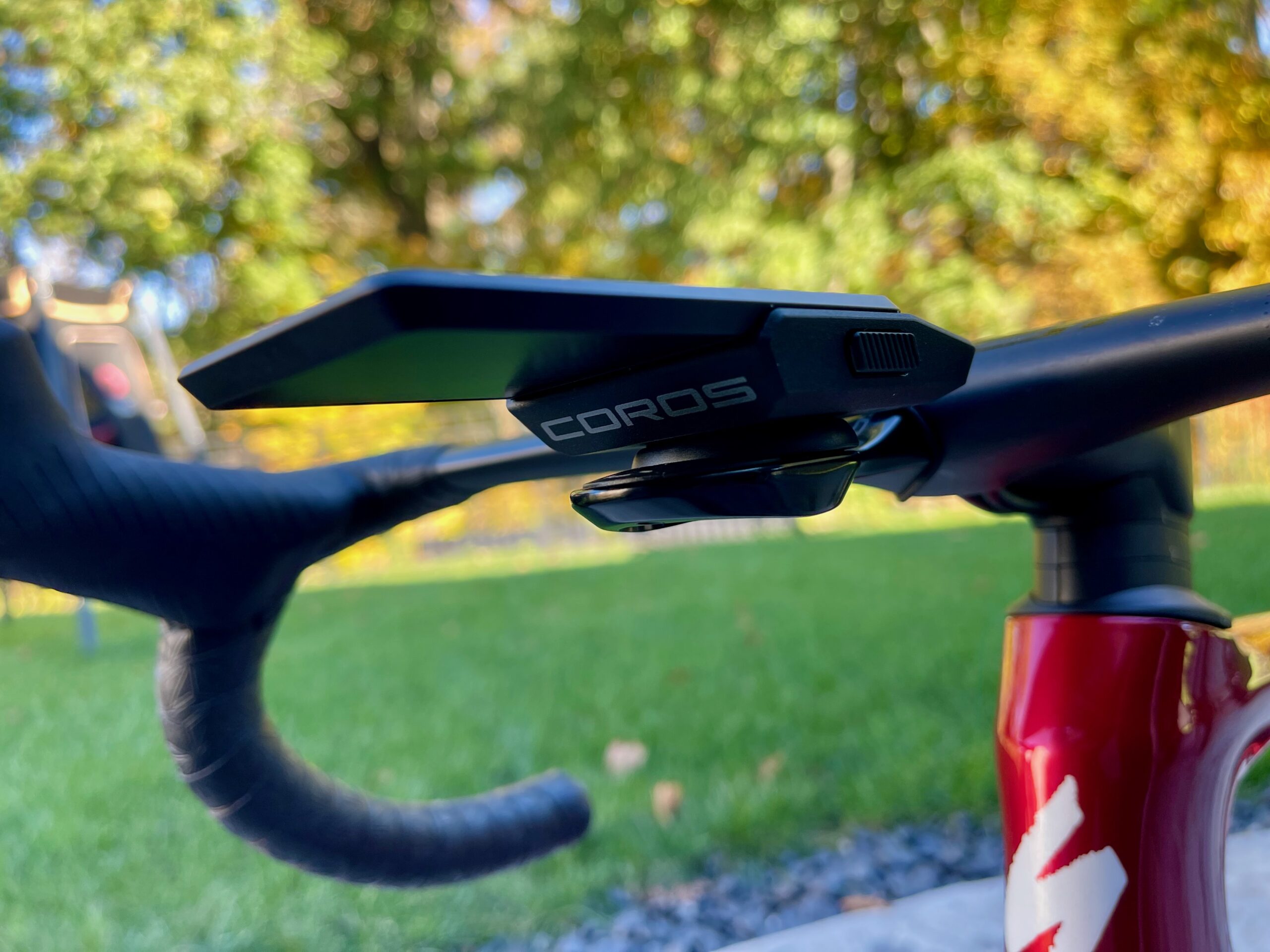
COROS clearly wanted the DURA 2 Solar to look less like another plastic rectangle (cell phone) bolted to the front of a bike. The new design shows creativity, and some cool out-of-the-box (but still a box) thinking.
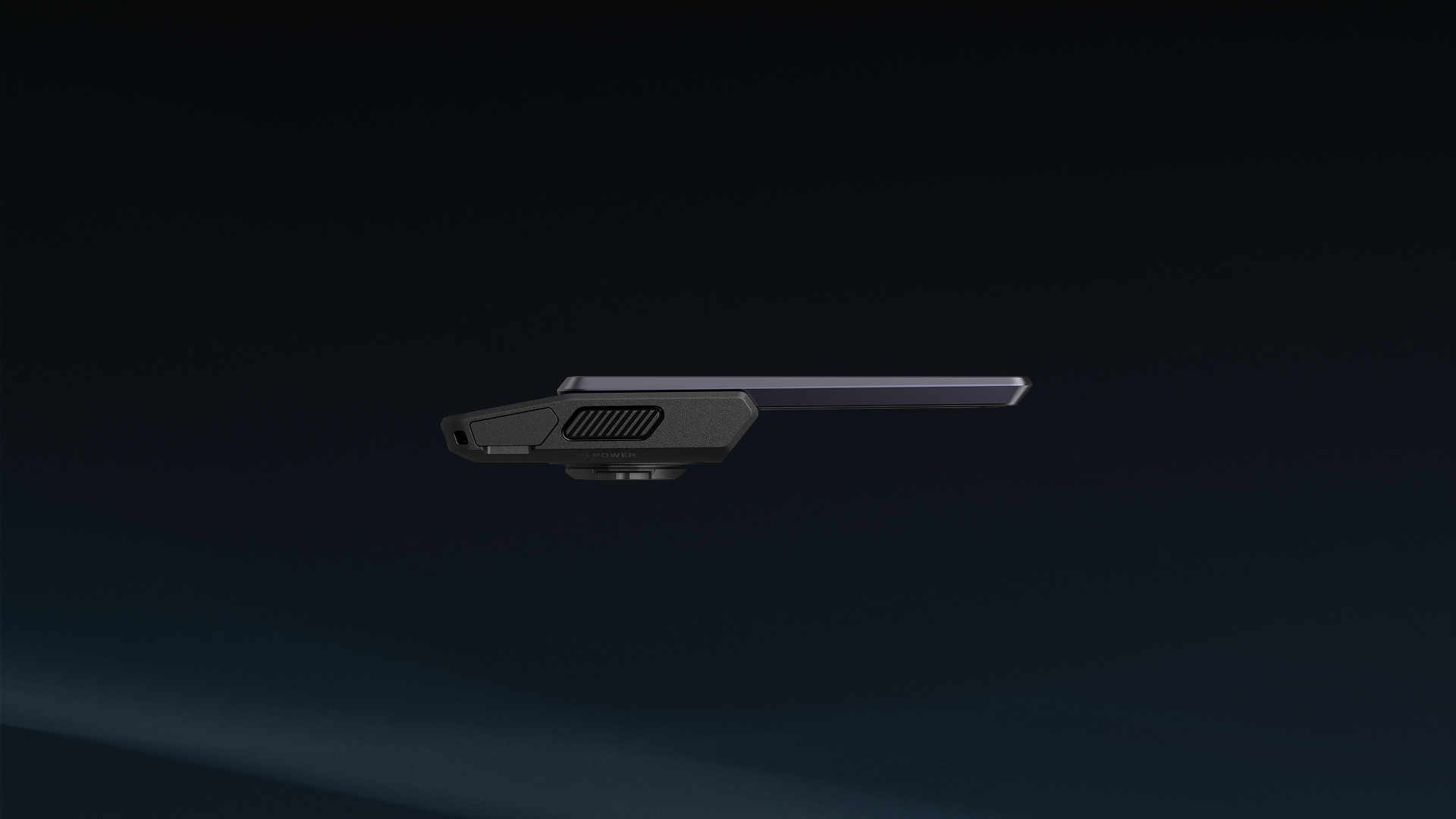
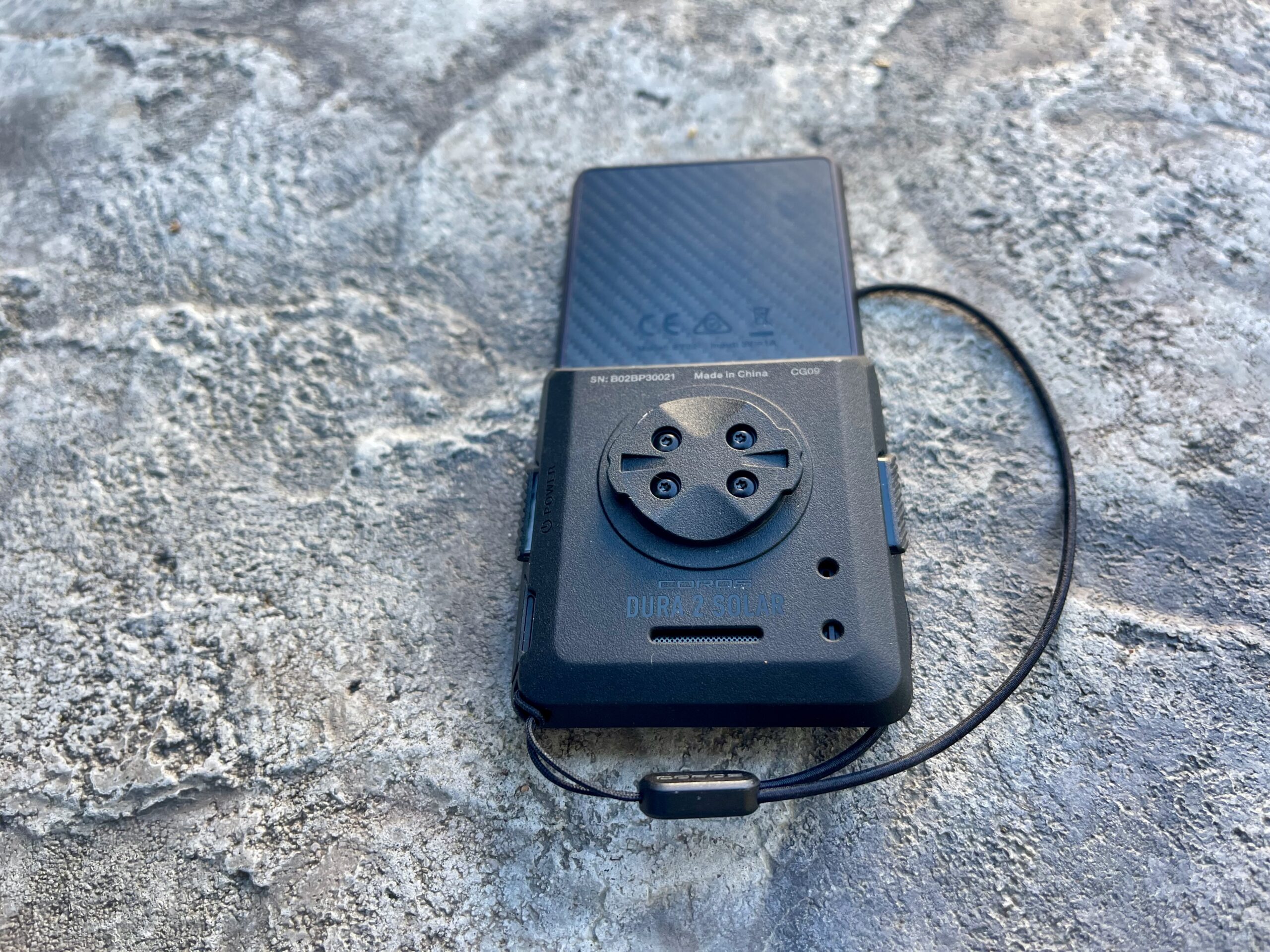
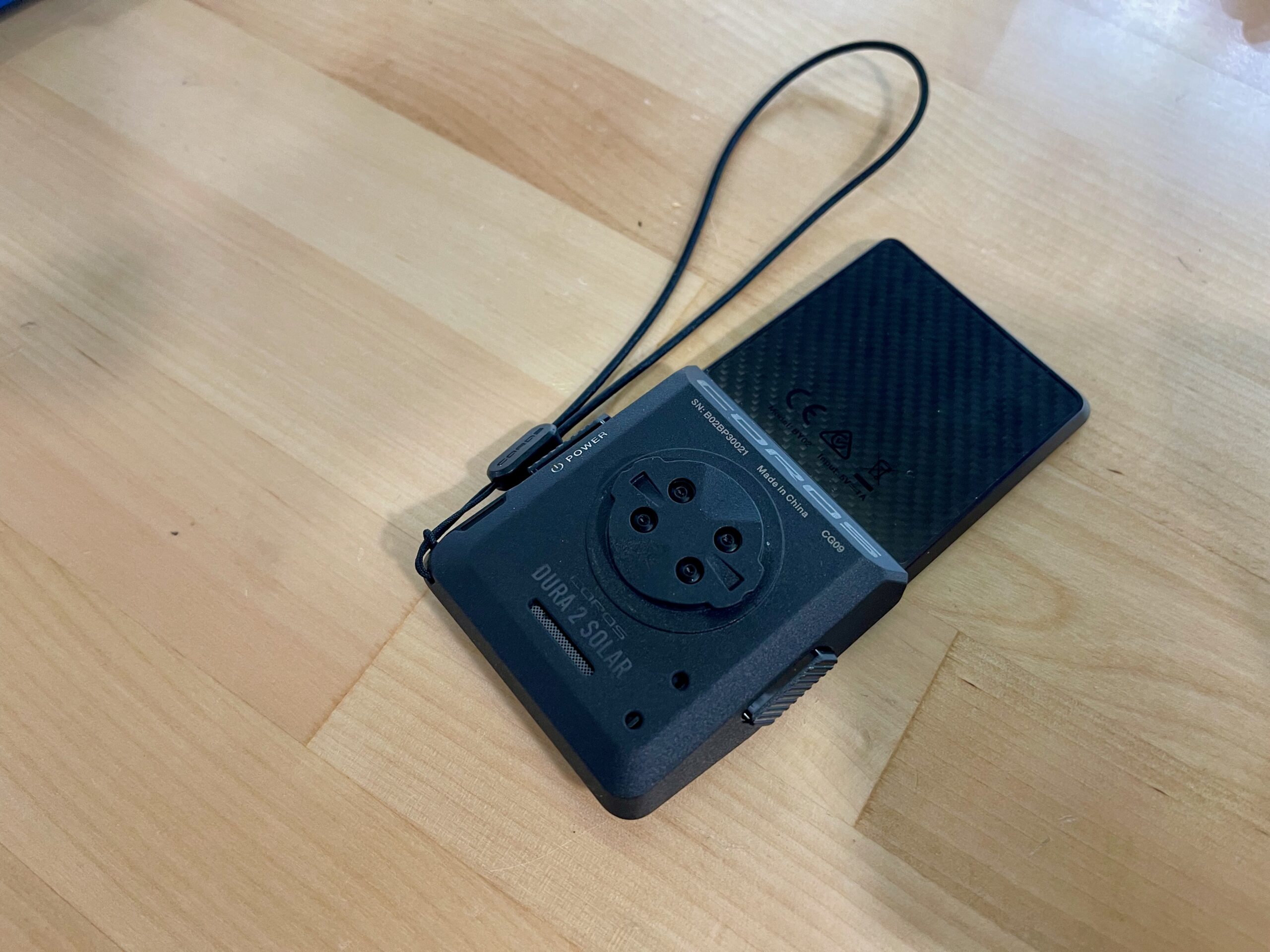
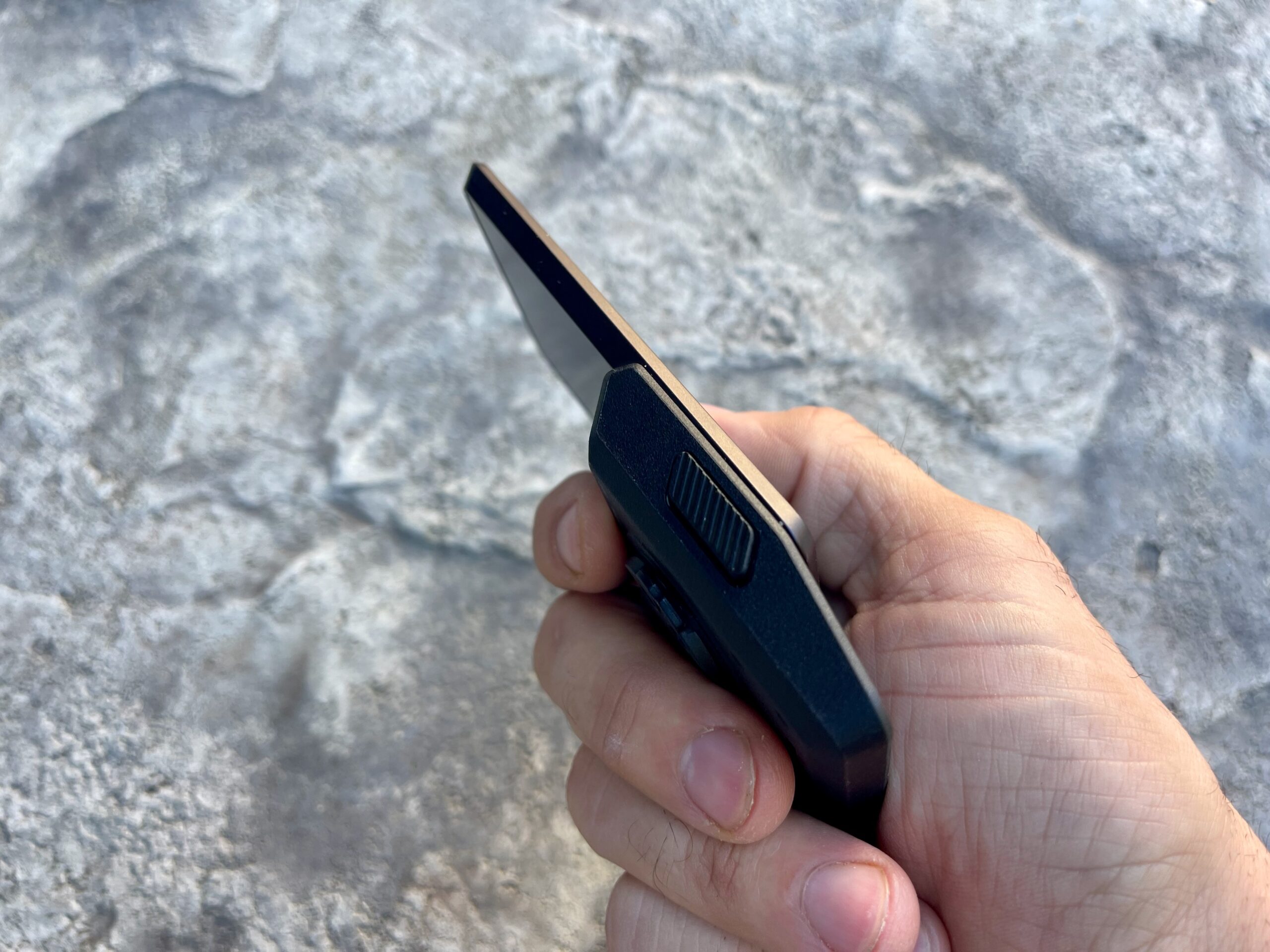
The body construction combines an anodized aluminum upper bezel with a woven carbon-fiber backplate. The computer measures 117 x 58 x 17mm and weighs 99g (technically 100g on our scale), or 138g when paired with one of COROS’ new mounts.
The low profile is intentional and gives the head unit an excellent look. COROS says the tapered aluminum upper section gets as thin as 5.7mm, with the computer designed to sit flatter in front of the bars.
COROS CEO Lewis Wu says aesthetics were part of the brief from the start.
“We set out to create a bike computer that looks like it belongs on a great bike, not something you have to overlook because of what it does.”
Looks are subjective, but COROS has definitely moved the DURA away from the chunky GPS-computer shape most of us are used to.
Bigger 3.5-Inch SHARP MIP Touchscreen
The front (larger screen) is dominated by a new 3.5-inch SHARP Gen 3 Memory-in-Pixel touchscreen.
It has a 336 x 620 pixel resolution, a tall 17:9 aspect ratio, roughly 200 ppi, and a 38Hz refresh rate, which COROS says is the fastest for any MIP display. COROS also uses an anti-reflective coating and hardened mineral glass over the display. The result is a super easy-to-read screen (in sun or dusk) and a responsive touch pad with or without gloves.
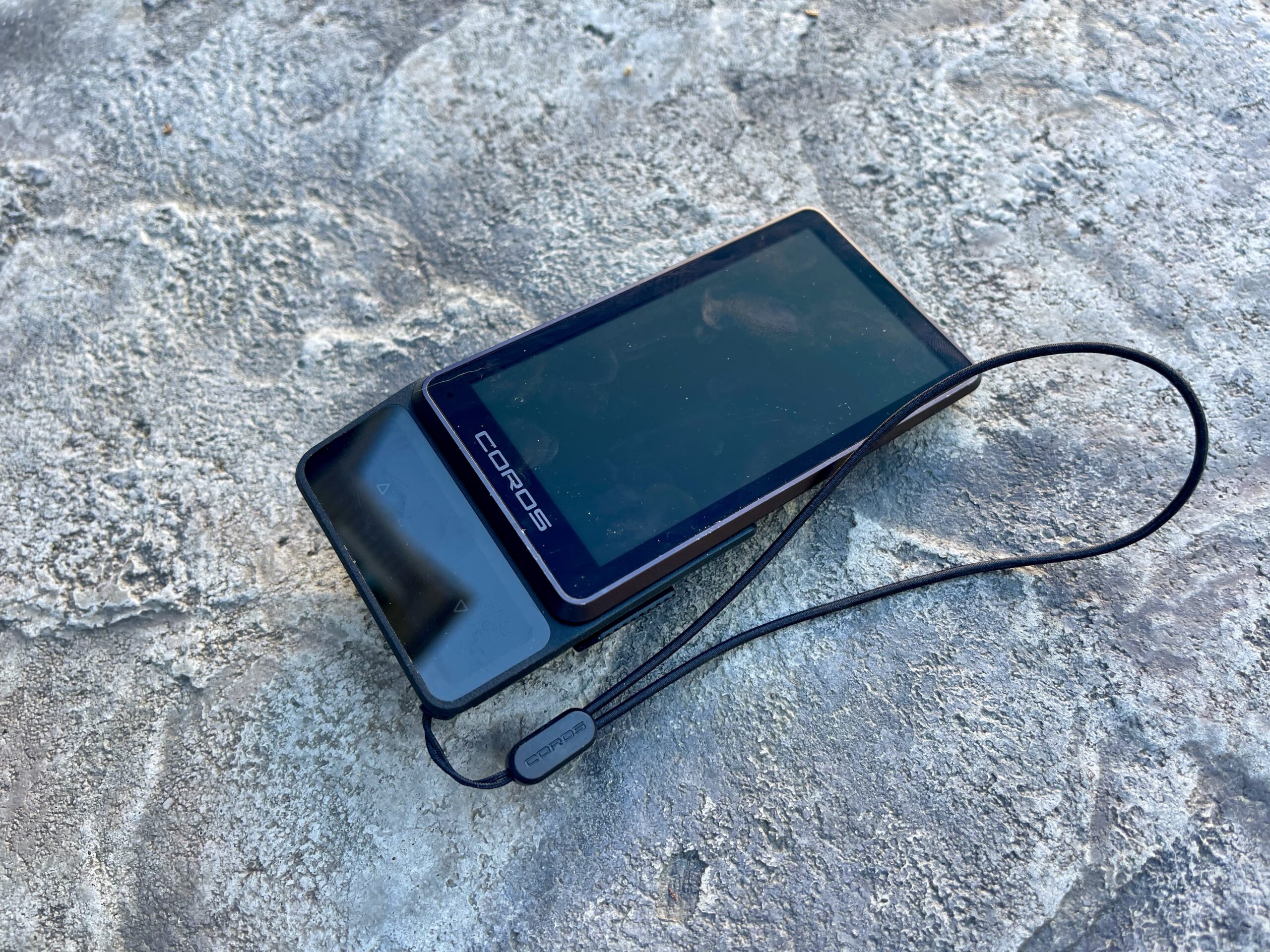
The touchscreen handles the usual swiping, selecting, zooming, and map movement, but COROS hasn’t gone all-in on touch controls. The unit provides haptic feedback (which you can also turn off) when you scroll and select.
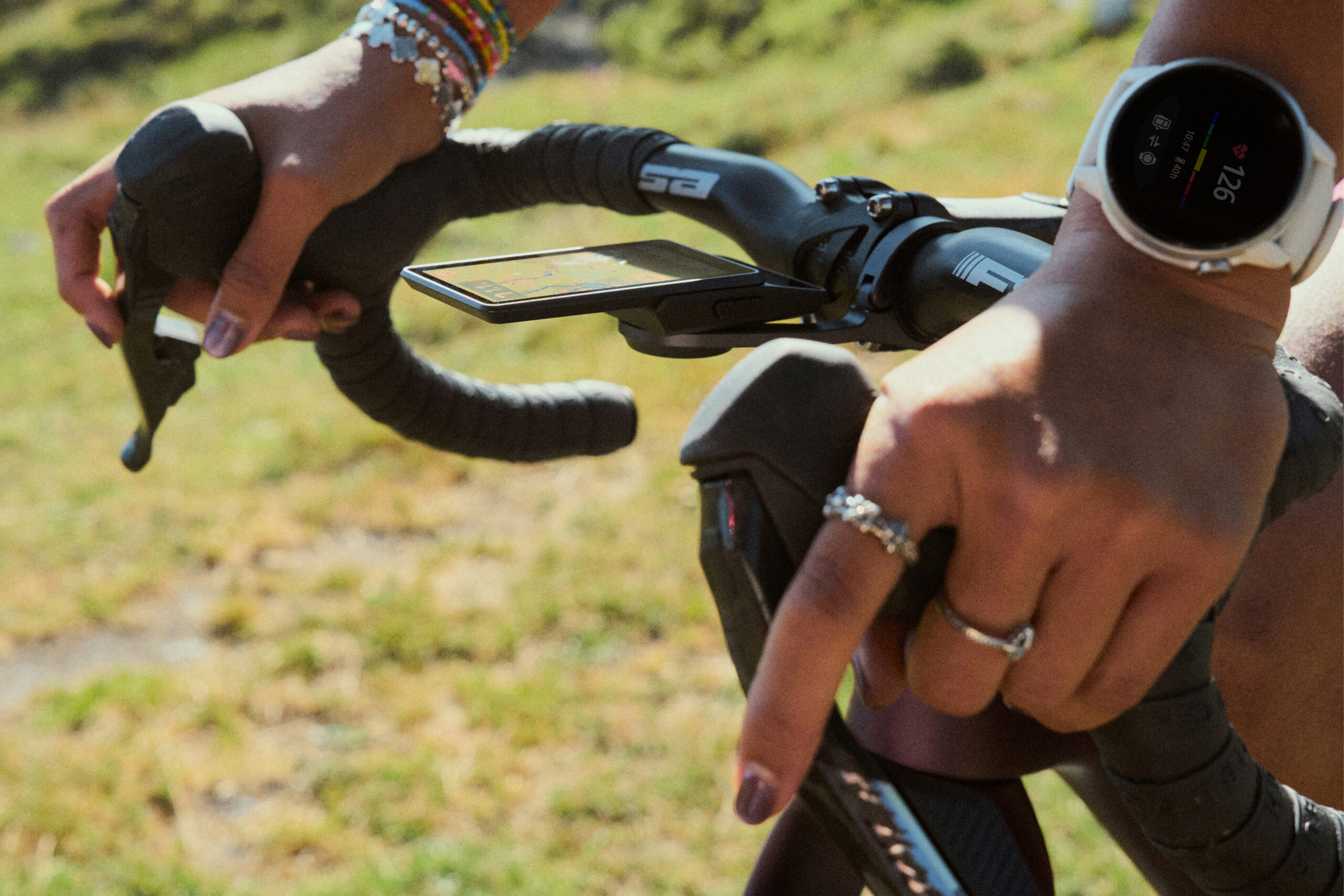
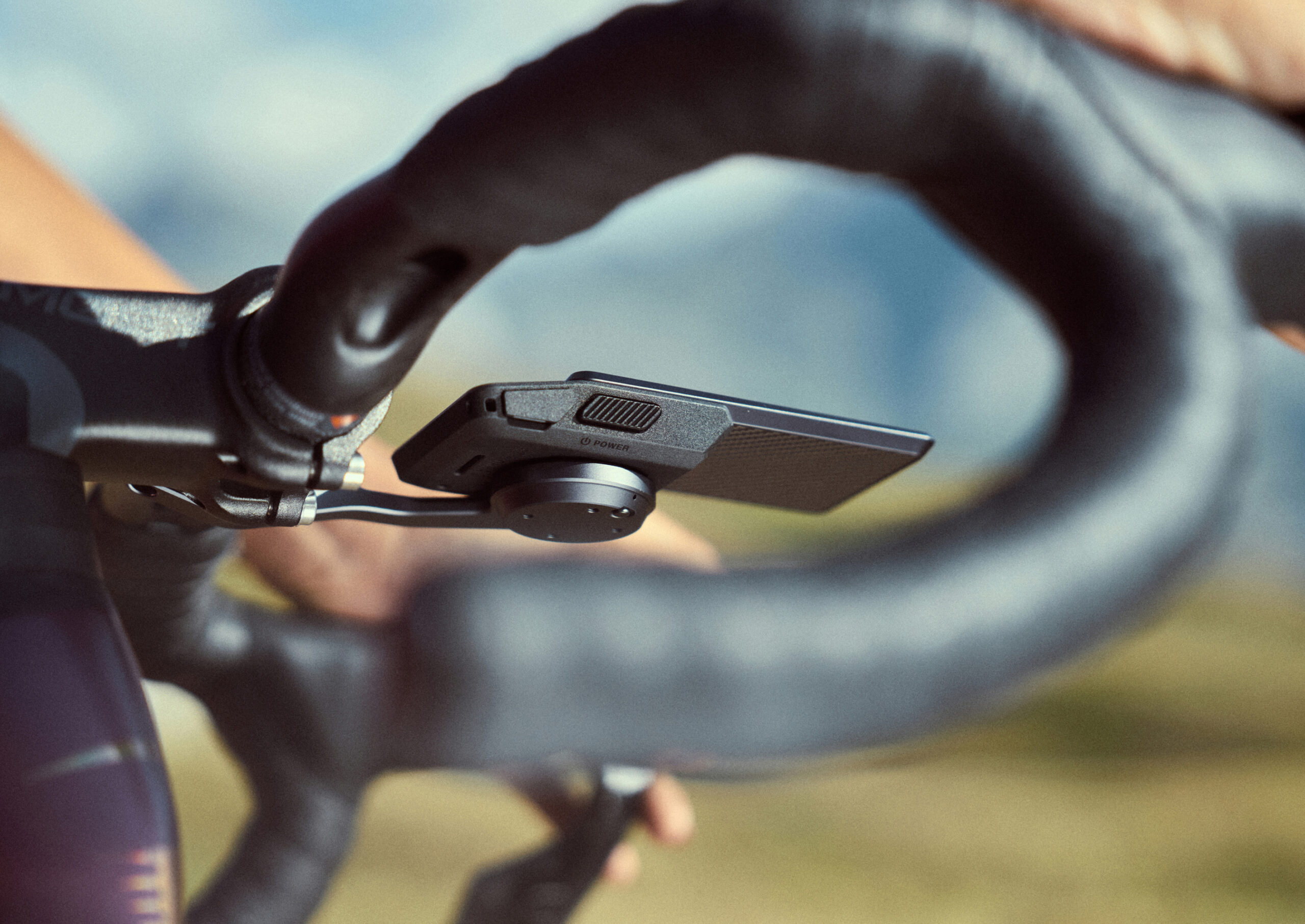
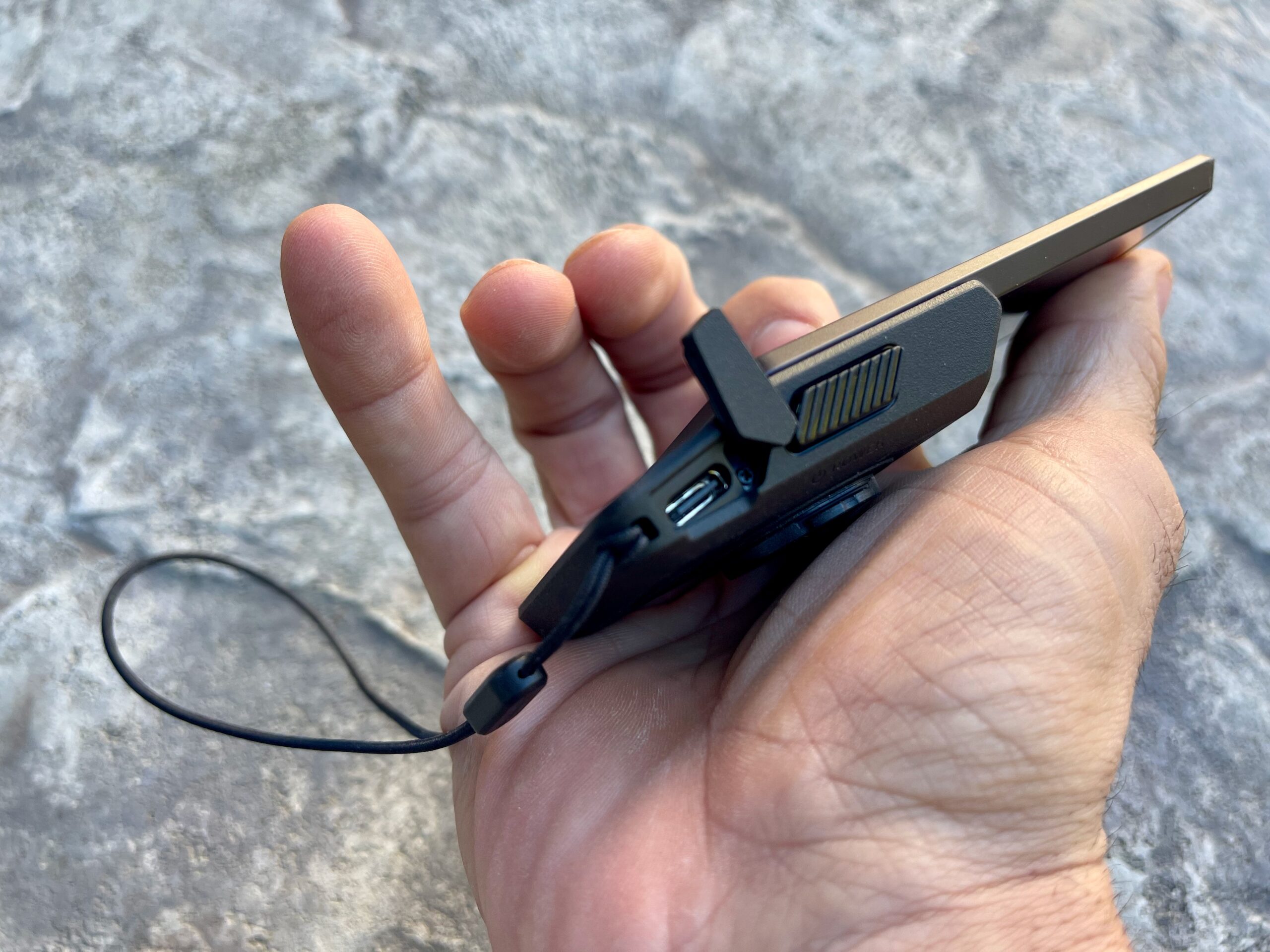
There are two mechanical side buttons plus two pressure-sensitive haptic buttons built into the solar panel area (small screen). The haptic controls work with thick gloves because they respond to pressure rather than capacitive touch, and COROS says you can handle every important riding function without the touchscreen (though it’s not ideal imo).
But if you’re a hell or highwater rider, this “no-touch-screen” approach will help in foul weather and when you’re sweating over the bars during interval sessions. COROS says the display can distinguish rain from intentional touches, and I found this true most of the time. It worked well during our test period with moderate rain and a sweaty trainer 40/20 interval session. COROS did mention that if the screen gets thoroughly soaked, touch performance may drop, but the physical controls remain available.
Battery Life: 120 Hours Before Solar
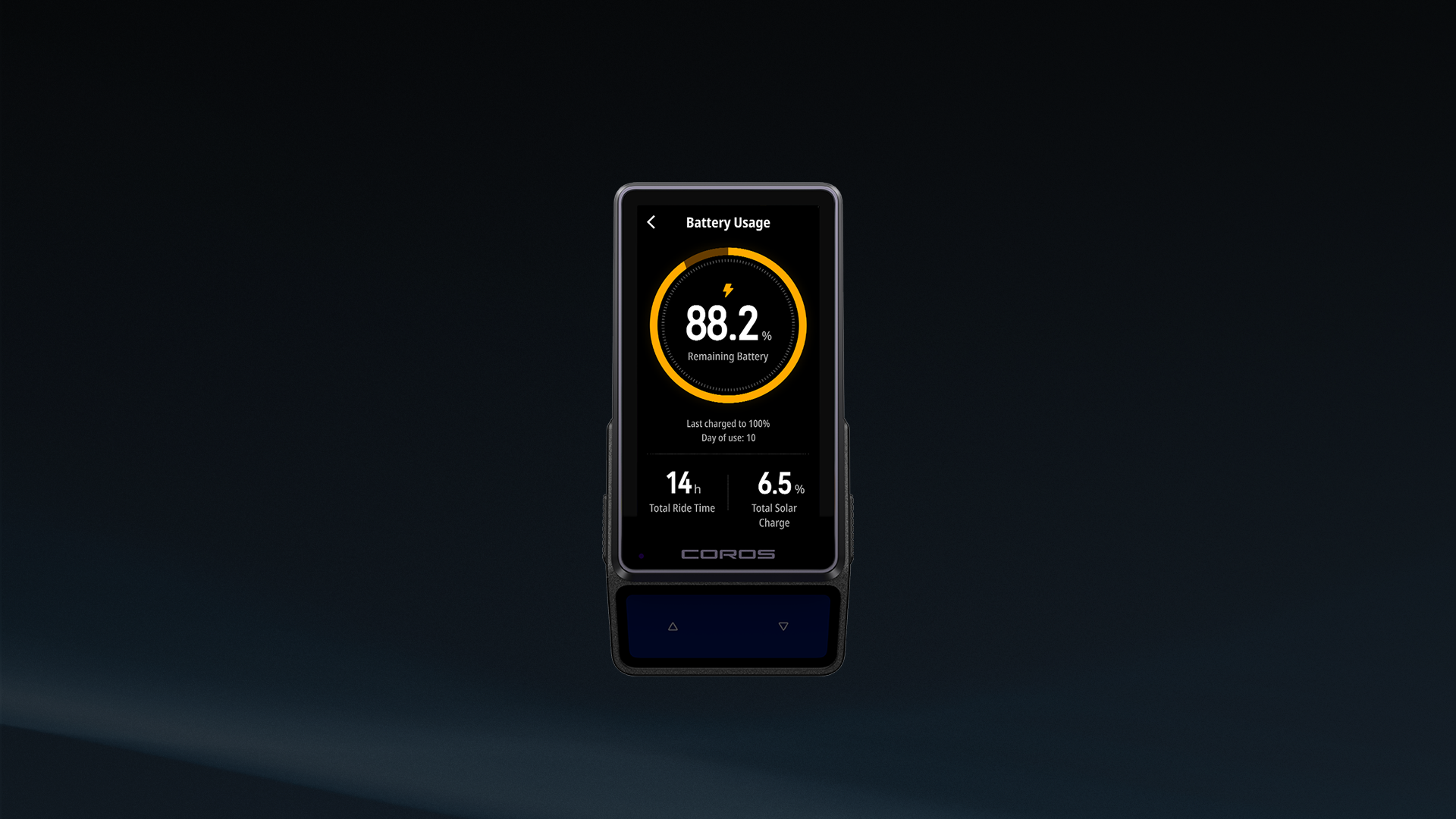
Battery life is still one of COROS’ biggest talking points. The DURA 2 Solar is rated for 120 hours of operation without solar charging. Switch on dual-frequency, full-constellation GNSS and COROS still claims 70 hours.
Then there’s the solar panel.
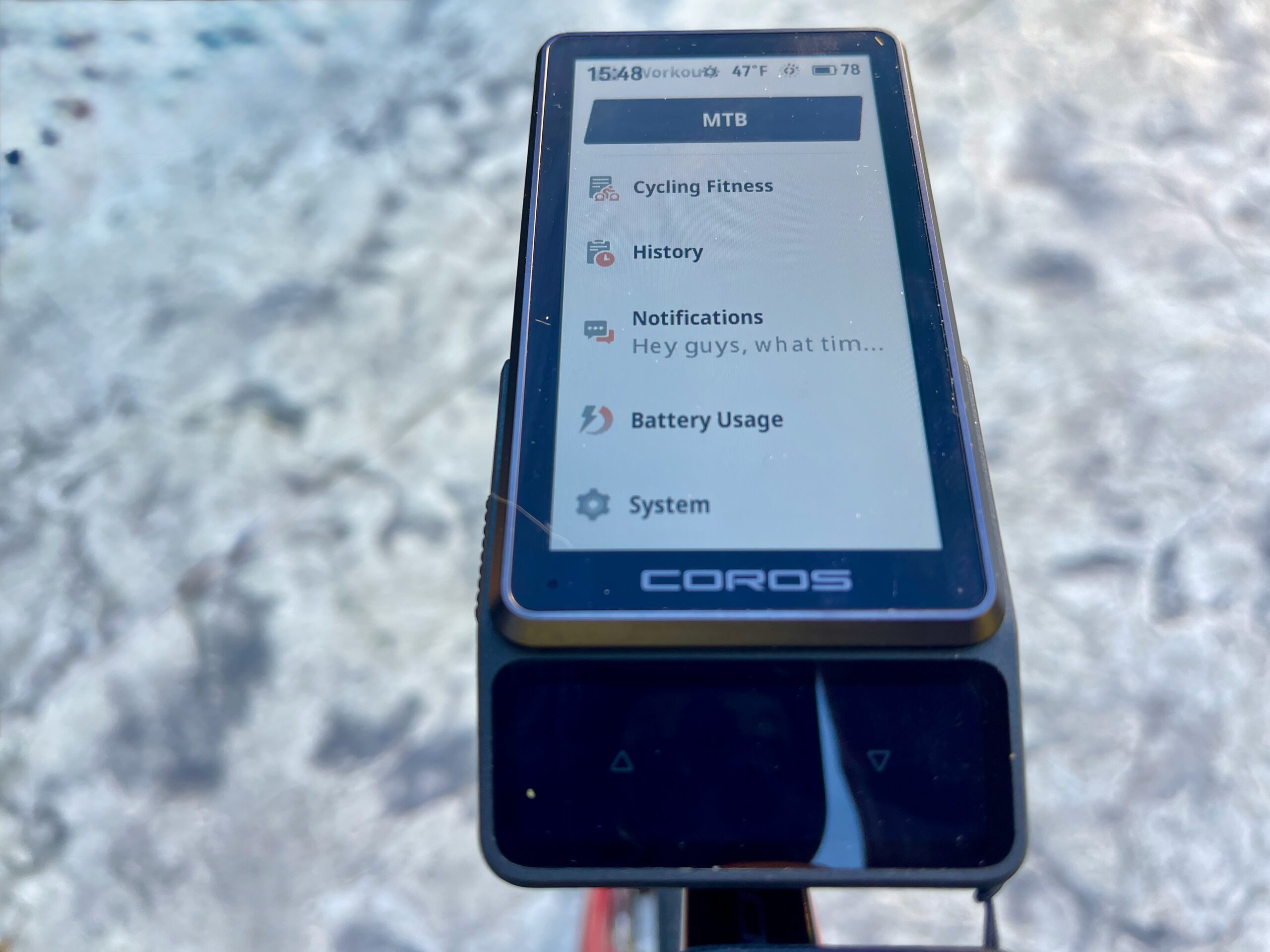
COROS claims one hour of riding in direct sunlight can add up to two additional hours of battery life. That doesn’t make the computer perpetually powered. But if you’re on a long tour/bikepacking trip, ultra event, or even a week of riding without charging, the numbers get pretty wild.
The DURA 2 Solar supports GPS, GLONASS, Galileo, BDS, and QZSS, along with L1 + L5 dual-frequency positioning.
Voice Control Comes to DURA
COROS is also adding a microphone and speaker. Voice controls let you quickly start an activity and change settings. Talking to your head unit is the new jam, as we just covered the updated Garmin Edge 1060 with voice control. Unlike the Garmin unit, COROS says voice-based destination searches for navigation are coming soon and won’t be available at launch.
It also offers offline MP3 storage and media-player functionality, with controls available directly from the DURA 2 Solar. The computer includes a barometric altimeter, accelerometer, gyroscope, electronic compass, temperature sensor, microphone, and speaker.
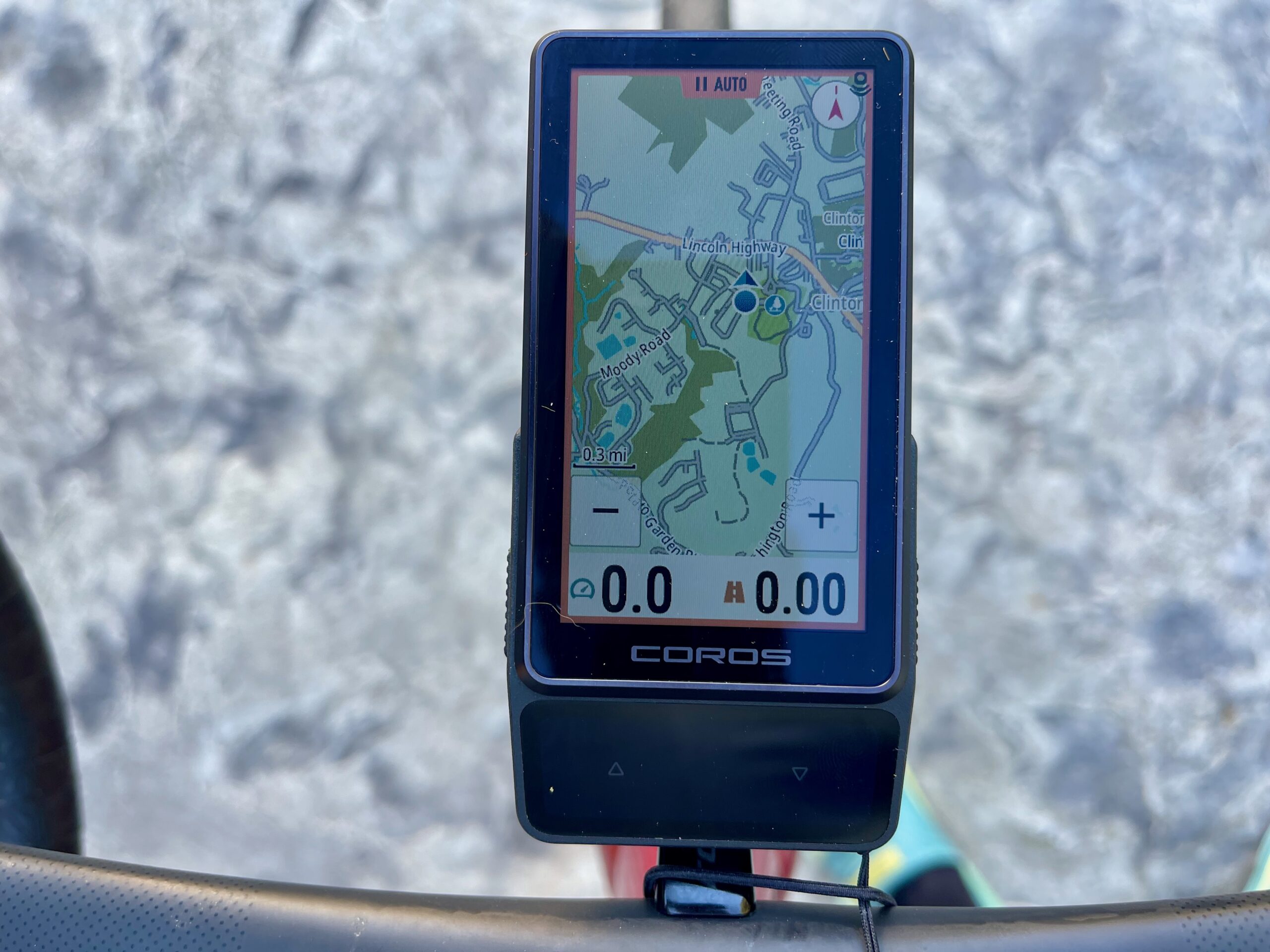
New Maps and Navigation
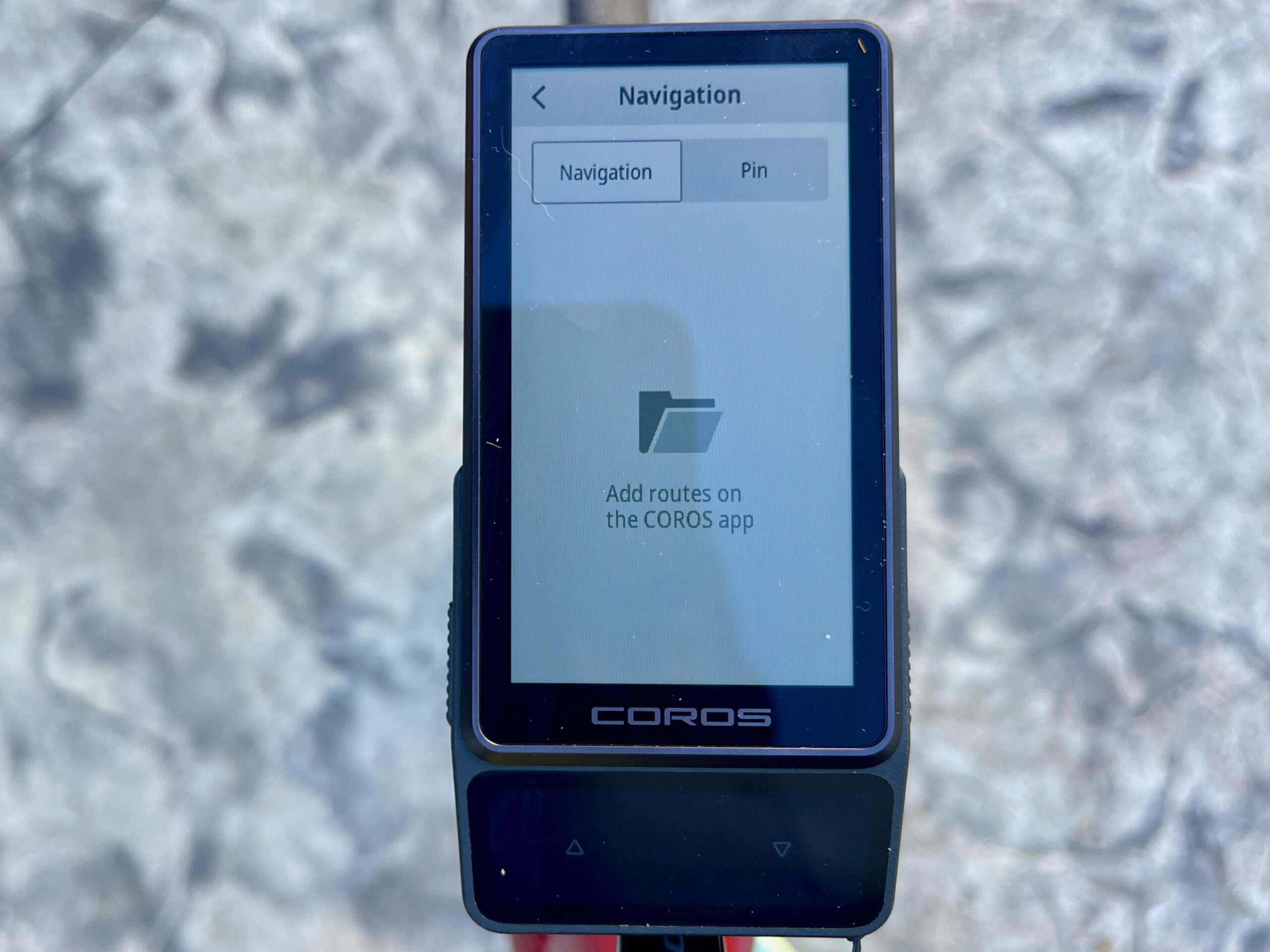
COROS gives the DURA 2 navigation a major overhaul. The DURA 2 Solar uses Mapbox mapping and offers free global maps (though you must download map regions rather than having them pre-installed). There are no map subscriptions or ongoing fees.
The updated maps include street and trail names, surface indicators, turn-by-turn directions, and route creation through the COROS app.
COROS also lists offline rerouting, but there’s an important detail here.
The COROS app calculates the reroute, so your phone needs to stay connected to the DURA 2 Solar over Bluetooth. You don’t need cell service as long as you’ve already downloaded the necessary map region to your phone. If you haven’t downloaded the maps, rerouting will require an internet connection.
Off-route warnings trigger at roughly 20 meters, and riders can choose to receive an alert or have COROS automatically start rerouting. Routeless climb detection should also let the DURA 2 Solar identify climbs without requiring riders to follow a preloaded course.
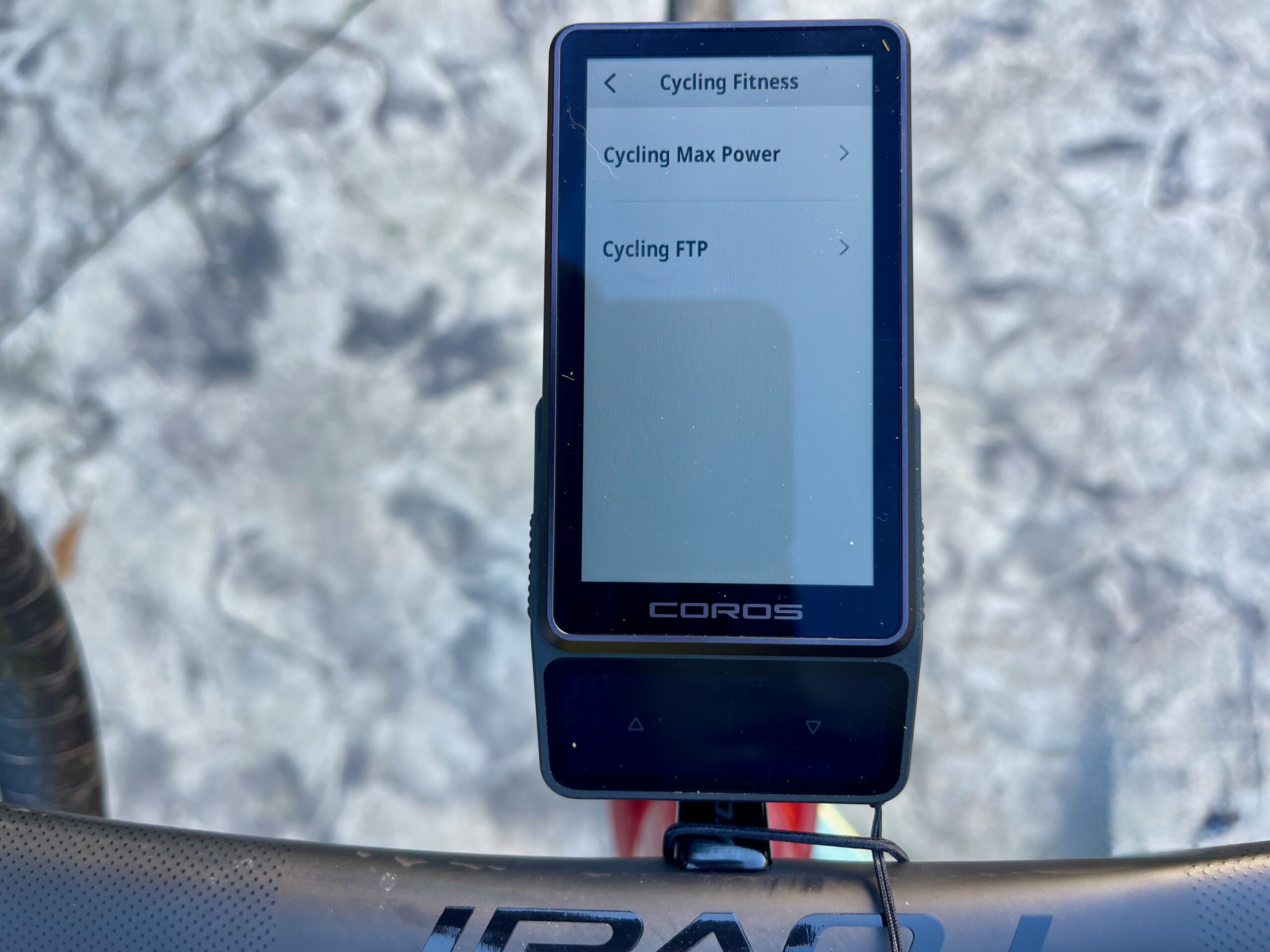
Training Gets More Serious
Like other devices, COROS offers “coaching.” The device taps into the brand’s EvoLab training ecosystem, with a massive dataset covering recovery, fatigue, training load, VO2 max, and more.
It also supports left/right power, time seated versus standing, heart rate, camera controls for select GoPro, DJI, and Insta360 cameras, and customizable button actions.
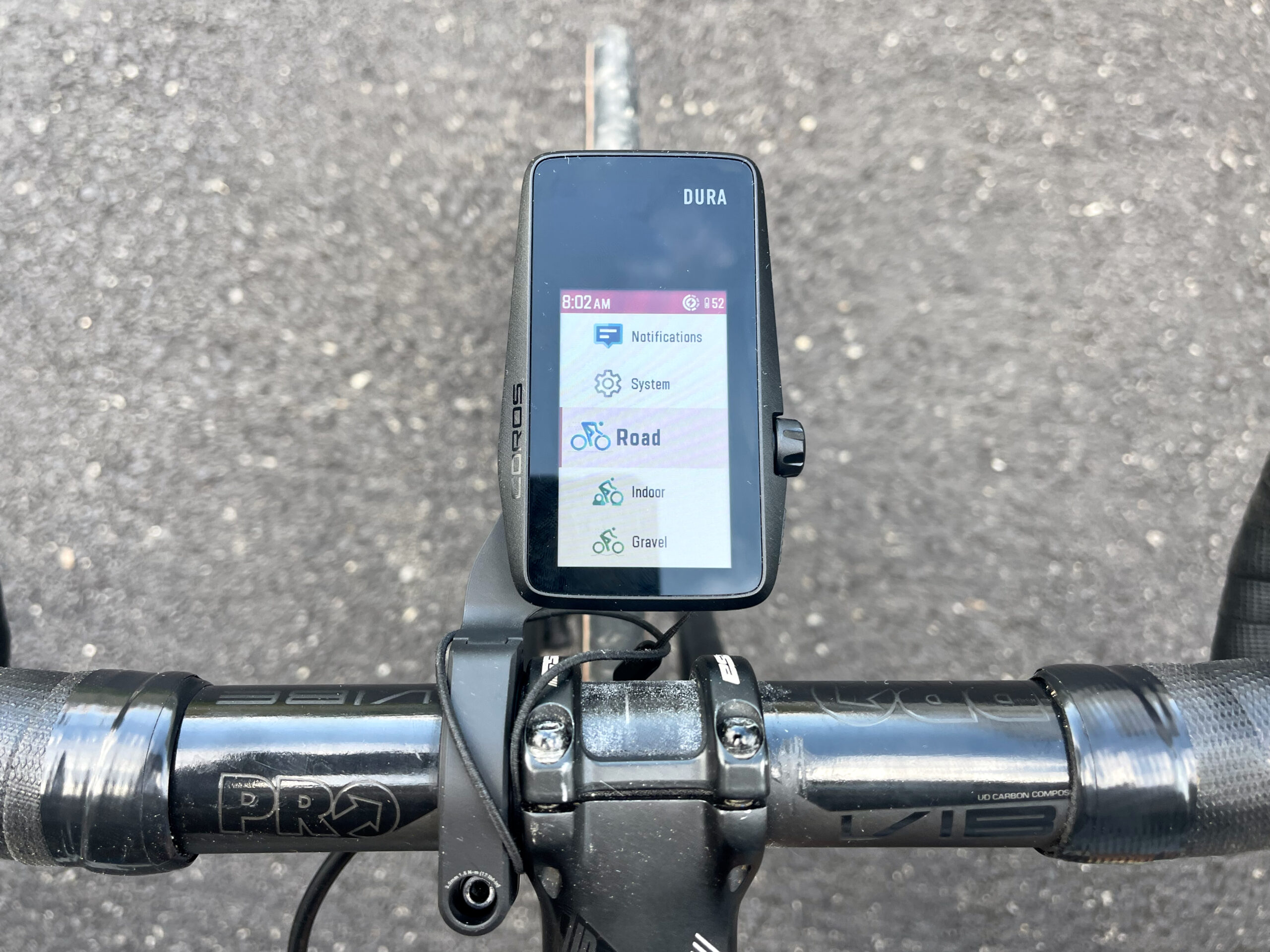
The activity profiles include Road, Indoor, Gravel, MTB, E-Bike, and E-MTB, each with fun little animations.
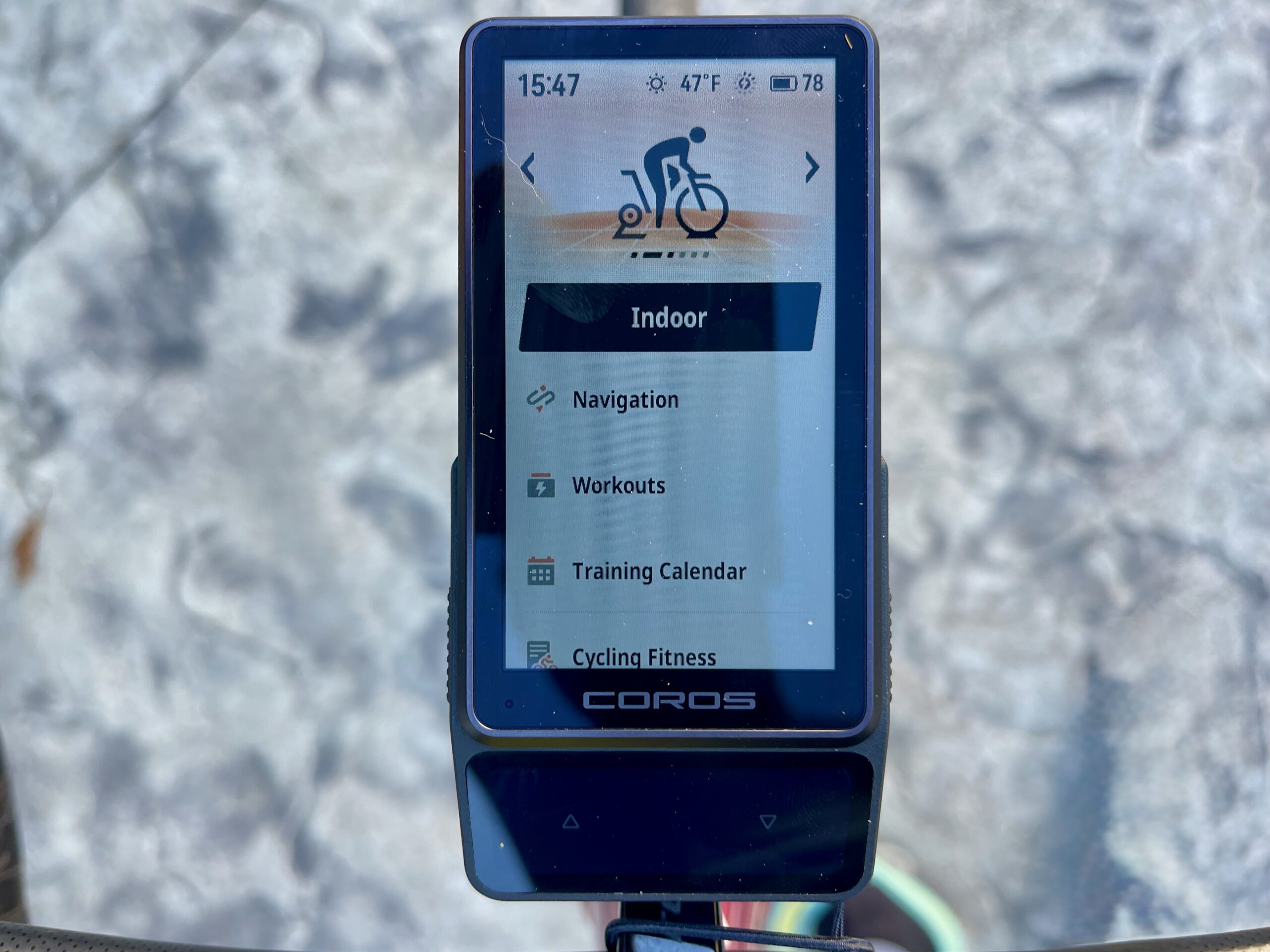
Riders can start structured workouts after a normal ride and pause the workout while continuing to record the overall activity. A software update is also planned to add multiple customizable bike profiles before the end of 2026.
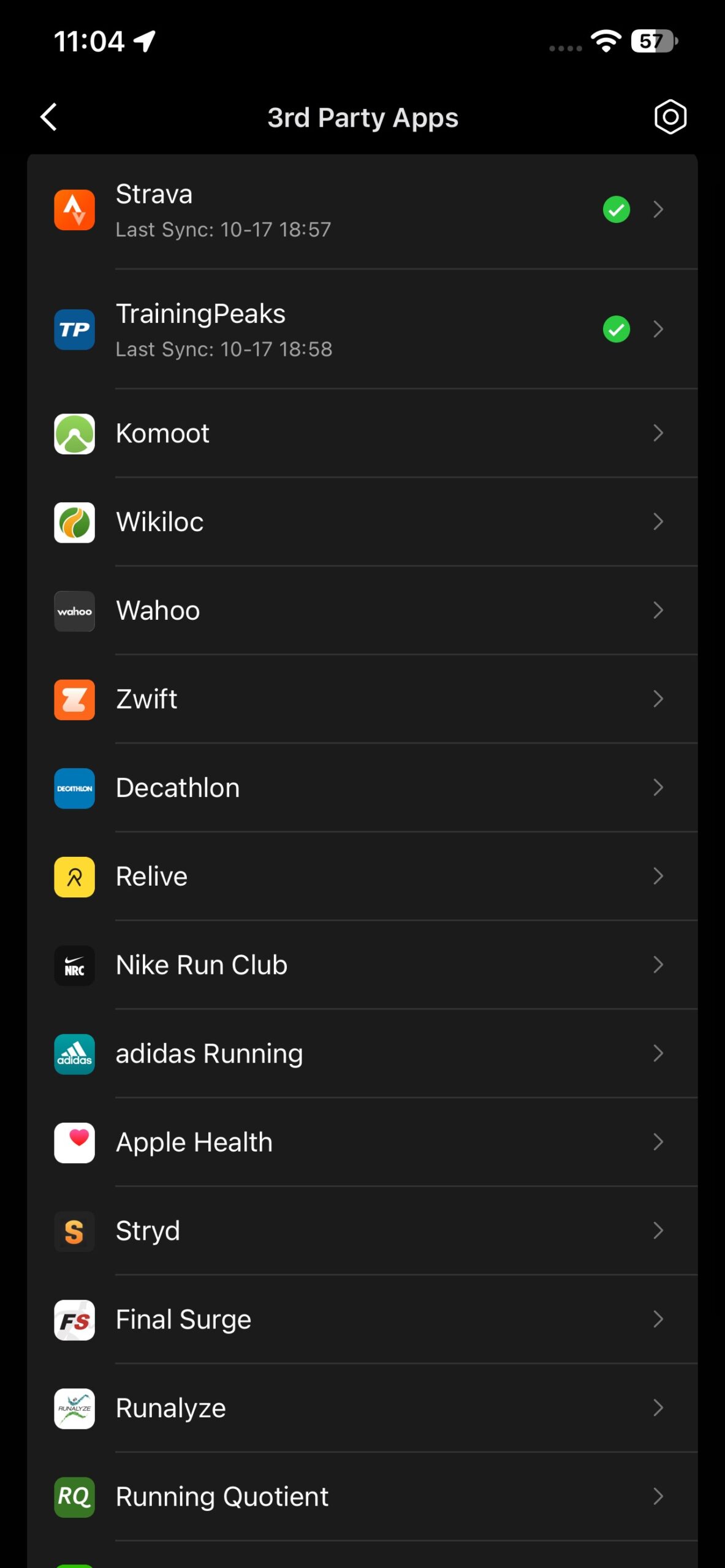
The COROS app combines DURA rides with data from COROS watches and its arm-worn heart-rate monitor. Third-party syncing includes platforms such as Strava, Komoot, Ride with GPS, TrainingPeaks, and TrainerRoad.
There’s no app store. COROS says it has no plans for a third-party app library and will stick with direct integrations.
New COROS DURA 2 Solar Mounts
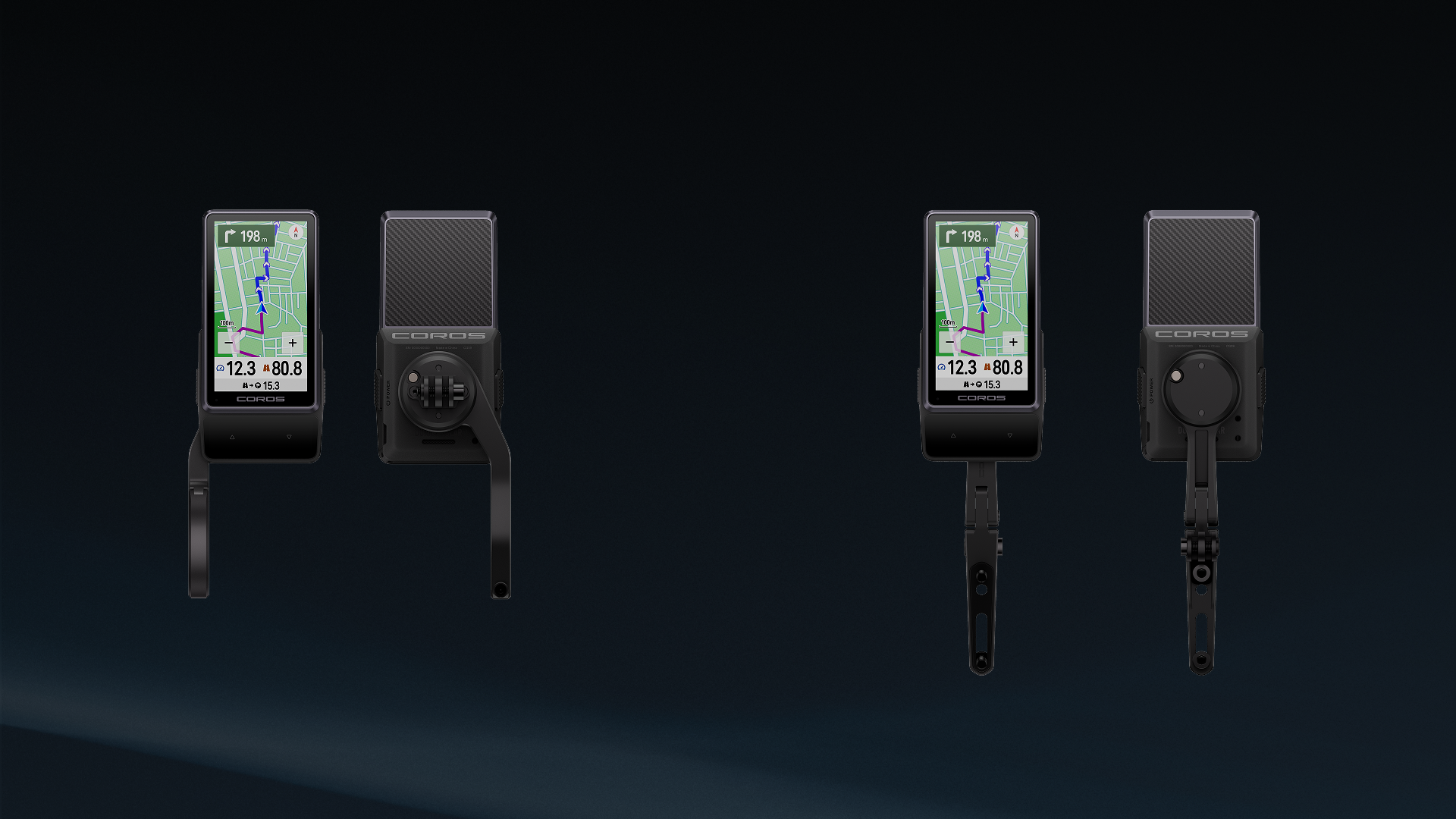
COROS is offering the computer with or without a proprietary aluminum mount.
Both the standard and out-front mounts weigh 38g and use a three-prong accessory interface underneath for a light or camera.
The out-front mount extends up to 70mm and adjusts between roughly -7 and +5 degrees. The standard mount fits 25.4 to 31.8mm round handlebars.
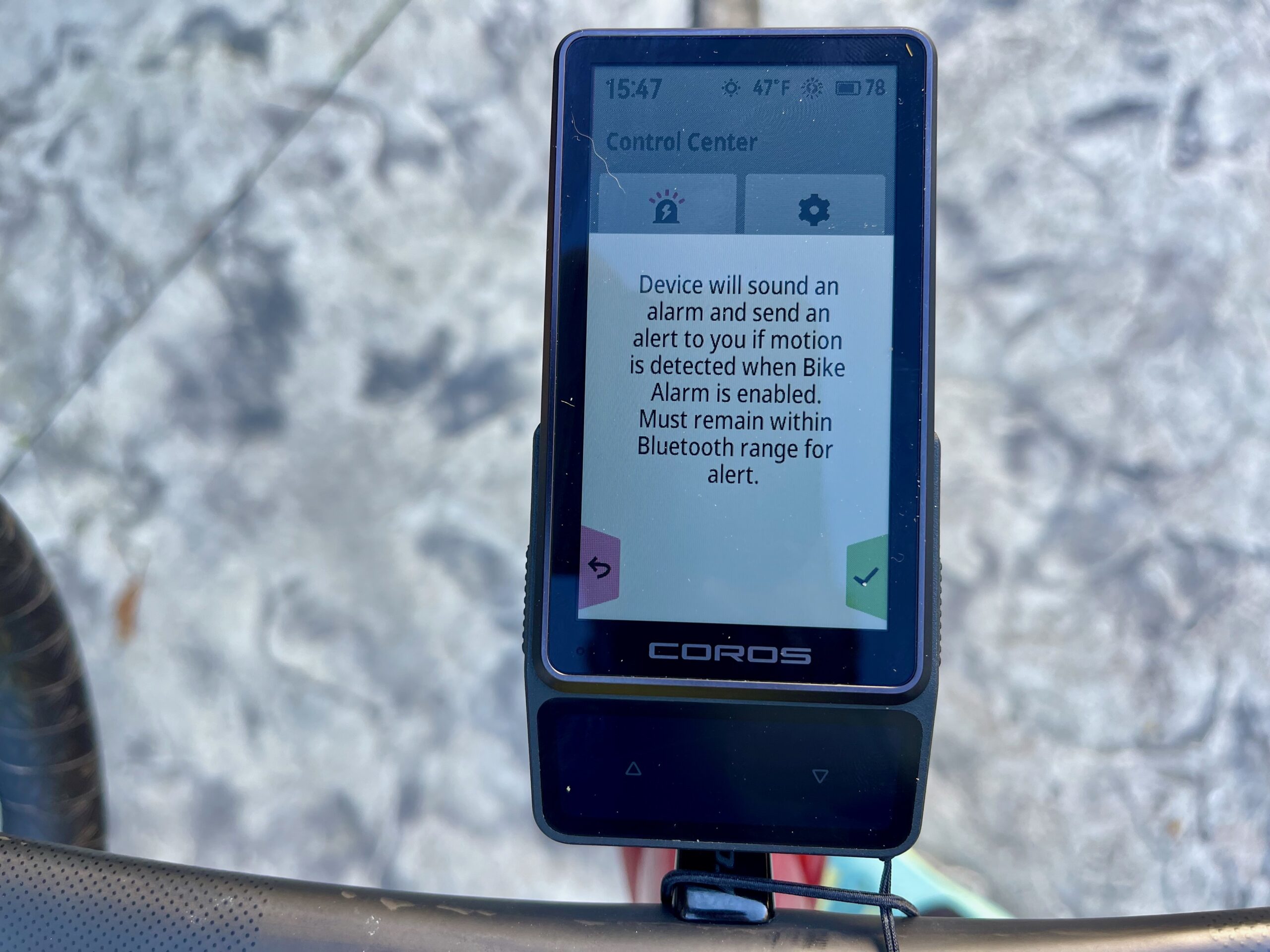
It also includes a locking mechanism to prevent accidental release. Riders can also use the same feature with a burglar-alarm function, which requires a SIM eject tool to unlock.
COROS says the mount-free $499 version is for riders who already have a compatible mounting solution and don’t have to pay for another one, while the complete package with the aluminum standard mount costs $549.
What Happens to the Original COROS DURA?
The first-generation DURA is going away. COROS says it will stop selling the original computer, but existing units will keep receiving software updates. Some of the features introduced with DURA 2 Solar are also expected to make their way to the original model.
That makes DURA 2 Solar the sole cycling computer at the top of COROS’ lineup going forward.
COROS DURA 2 Solar Pricing and Availability
Compared to Dura 1, the price for the Dura 2 Solar has doubled. According to COROS, that’s due to it being positioned more as a premium product, and the amount of design work that went into to making it bigger with a similar battery life, at almost the same weight as the original. It will be sold as computer only, computer + mount, or mount only.
- DURA 2 Solar without mount: $499
- DURA 2 Solar + Aluminum Standard Mount: $549
- Aluminum Standard Mount: $79
The DURA 2 Solar goes on sale November 3 at 6 a.m. PDT.
COROS DURA 2 Solar First Impressions
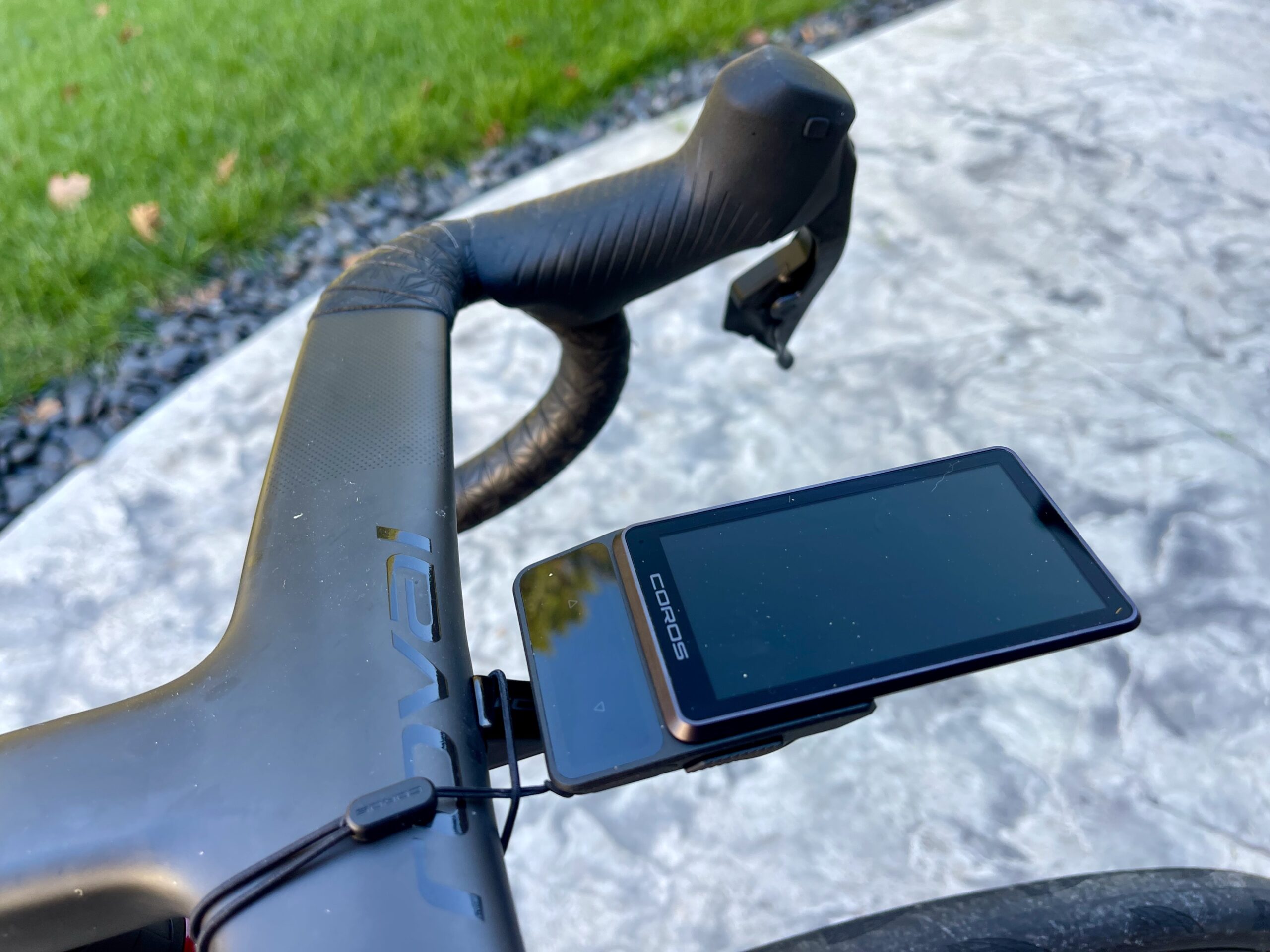
We’re not big “box-opening folks” here, but since there was a bit of hype around this new shape, I wanted to capture my authentic reaction. It’s damn sweet-looking, and it’s much lighter than it looks. The packaging is also really well done with minimal plastic.
My first thought was, “This is gonna break,” but I think it’s better phrased as, “You better not break this.” The top of the carbon-backed screen is much thinner than any head unit I’ve used. And I thought about how many times I haphazardly throw my computer in my pocket after a race or ride and forget it’s there. But we tried to twist the screen, and it feels impressively solid… something to keep an eye on during the long-term review.
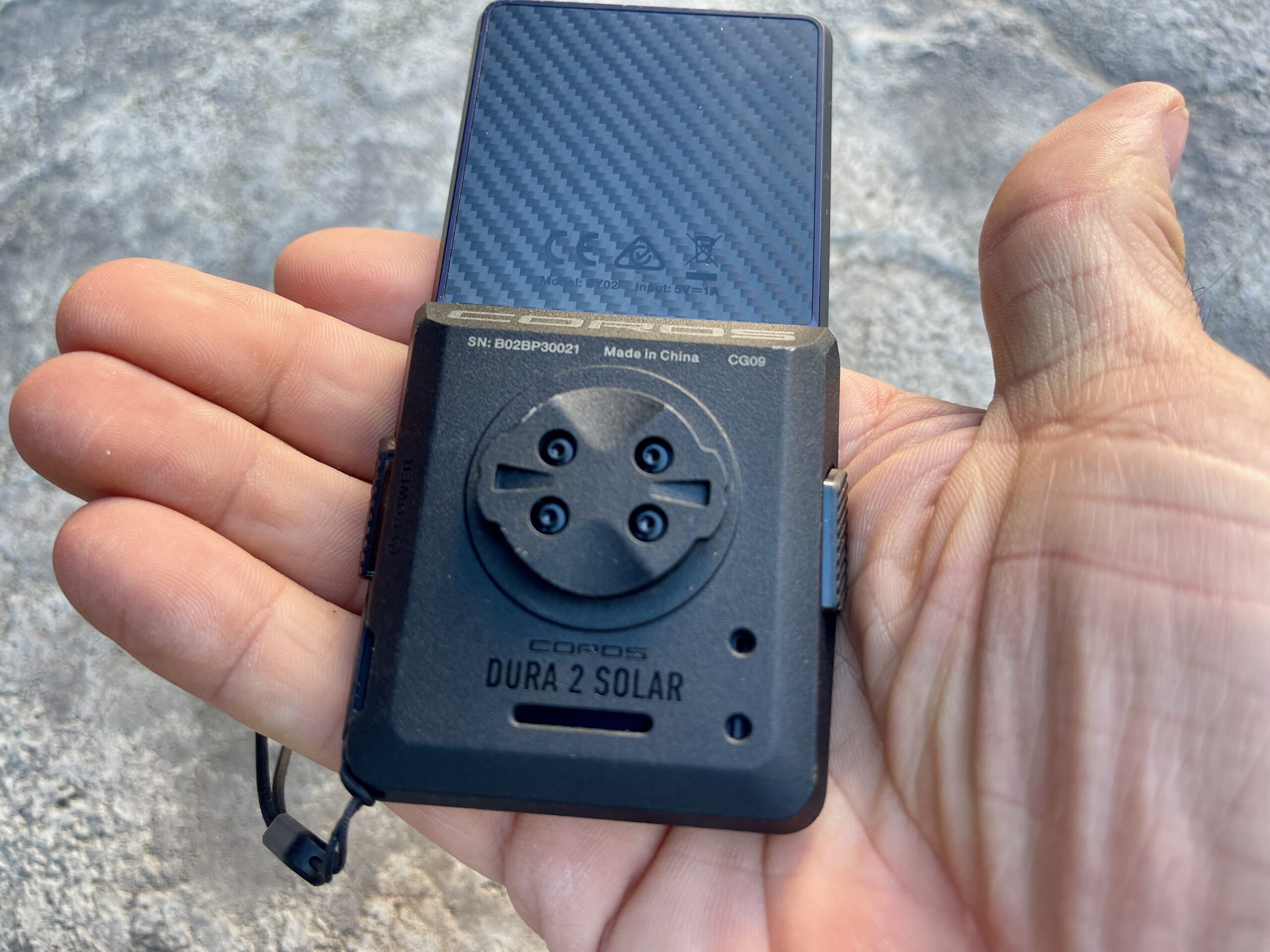
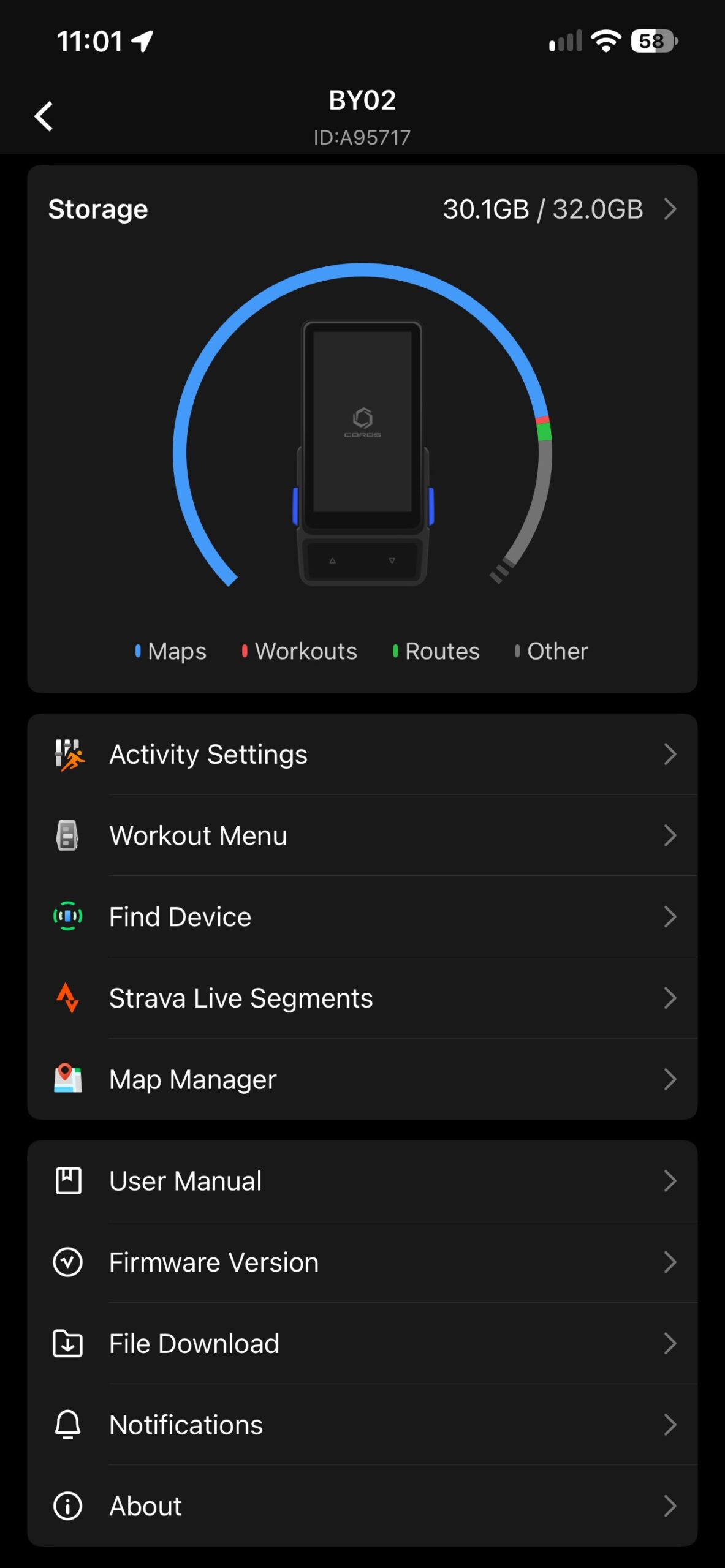
We had limited time on the DURA 2, but the impressions are good, and the promise of updated maps and software has us waiting. It’s worth pointing out that our units have something like 25.3GB of map data preloaded to them, which is enough to cover the entire world. When added to the system data, 30.1GB of 32GB total storage is already accounted for. Consumer units will ship without any maps preloaded, so you will simply load areas you think you’ll be riding in, which will take much less storage space. It’s really easy to then add maps in the future if you plan to travel to a new region, just open the map, select the area, and it will load to the device.
For now, we’re gonna hit the big features and questions; look for a full, in-depth review later next month.
COROS DURA 2 Getting Started
To wake up the unit, just touch a button. There is no loading screen or waiting unless the unit is completely powered down – that’s one of the benefits of the huge battery; you never really have to power it down completely if you don’t want to. To get started, download the COROS App first; when you turn on the computer, you’ll see this call to action. It’s a simple app to navigate, and if you’re familiar with any fitness apps, you’ll breeze through setup.
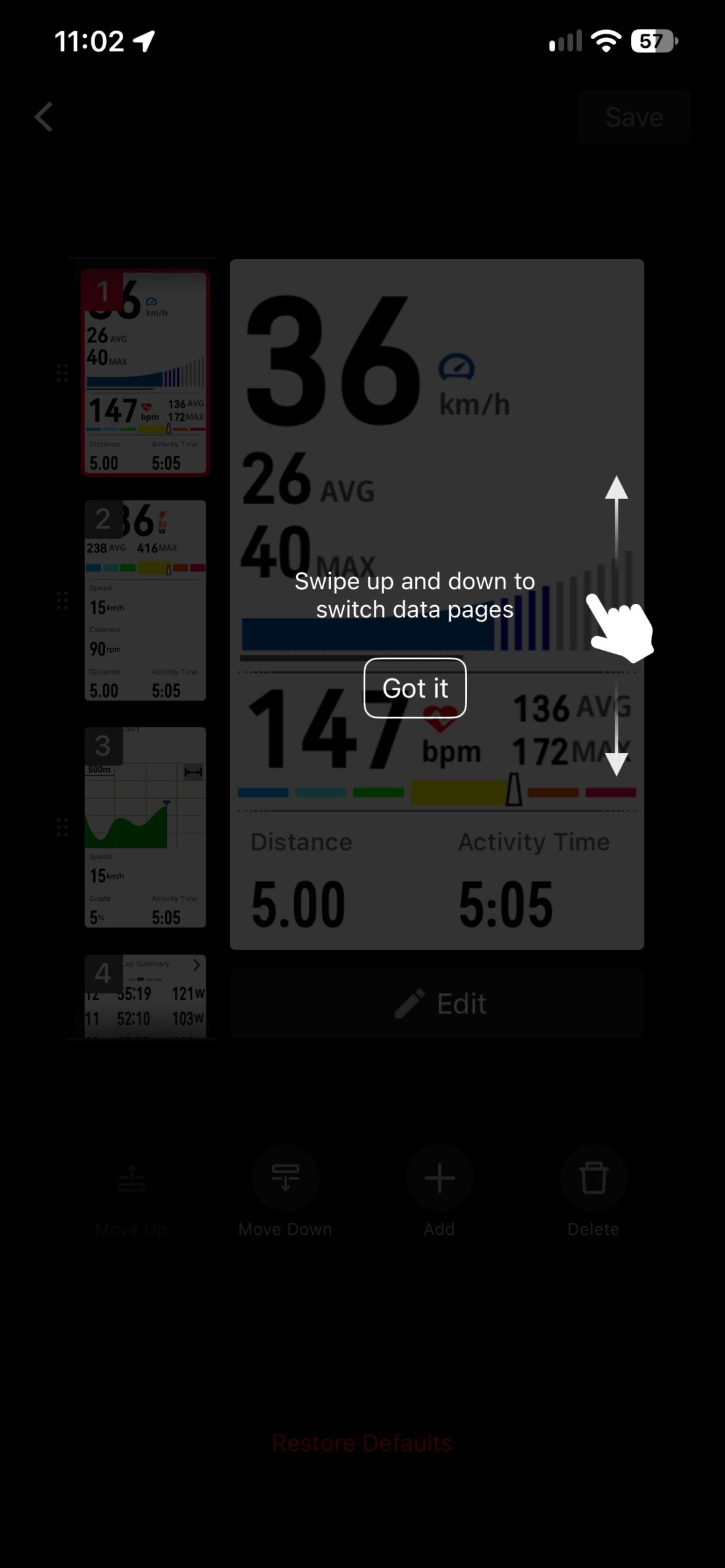
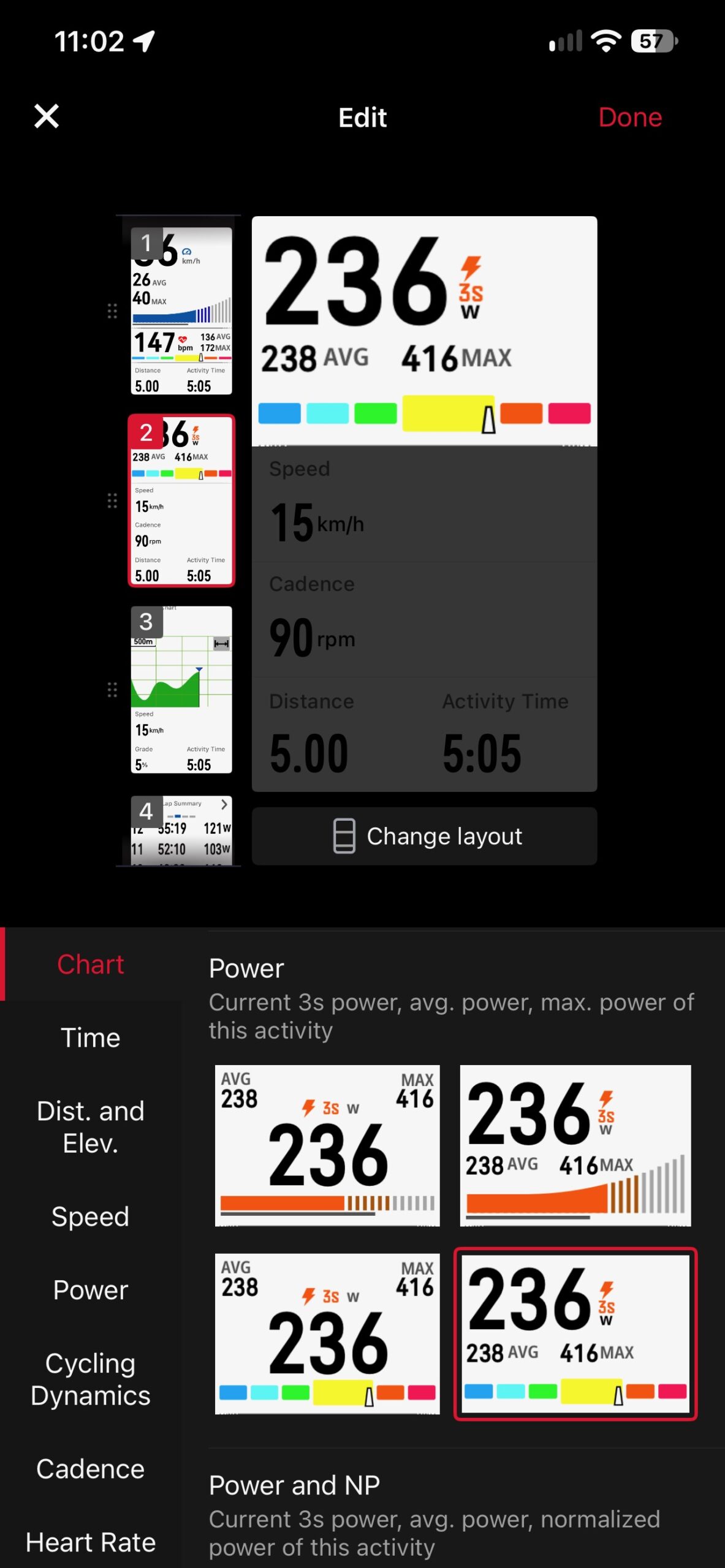
In the app, you can configure screens, set zones, get training advice, etc. To pair sensors and other bits, you have to do that from the unit itself.
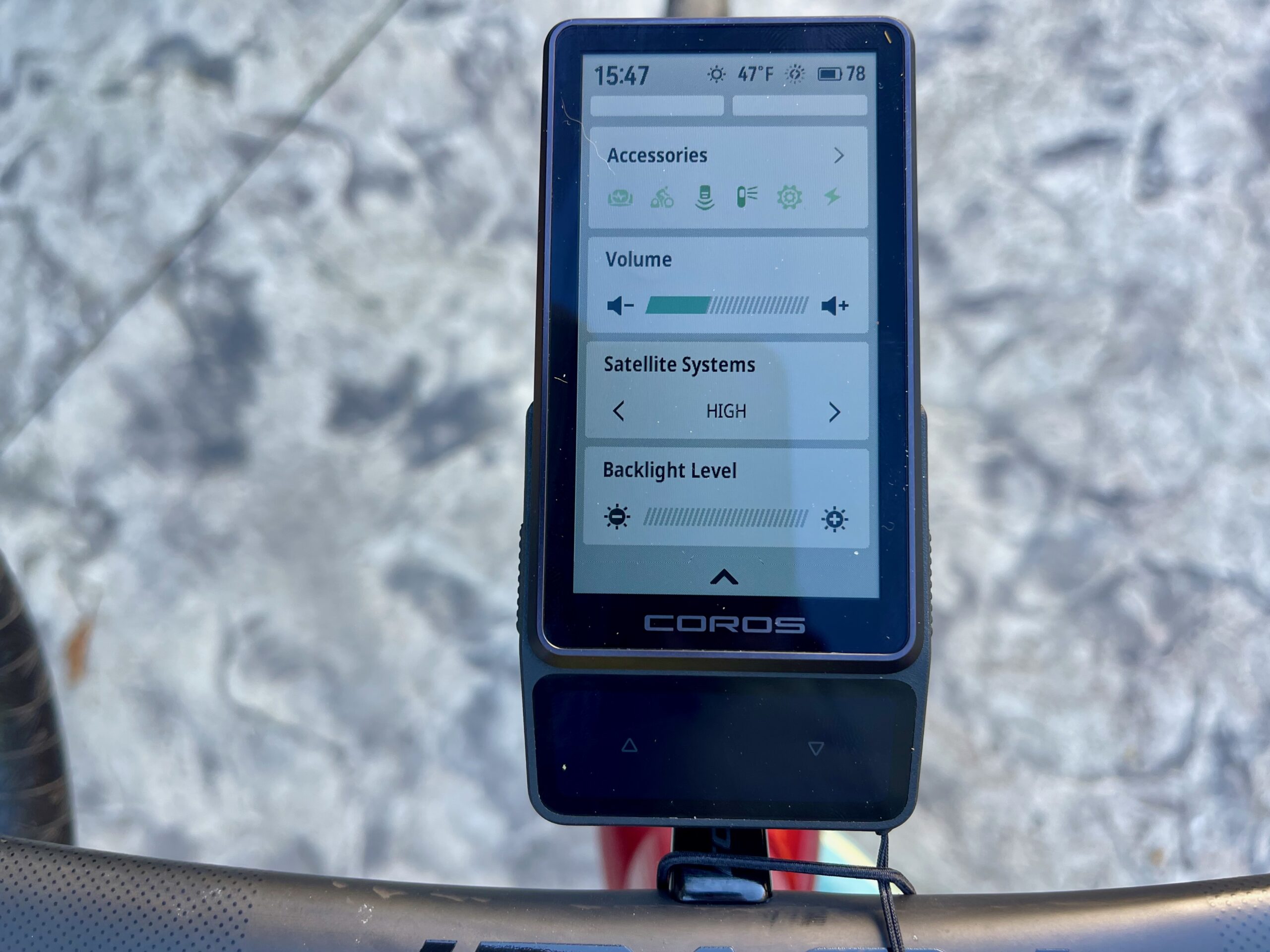
Pairing Sensors
The COROS DURA 2 screen layout is super intuitive and very user-friendly. It took me a bit to noodle around how to pair my sensors (instructions be damned), but it’s fairly straightforward.
Go to the accessories section, press “add accessory,” and find your power meter, trainer, heart rate strap, or other bits. This is where you’ll calibrate your meter and monitor battery life for accessories. You will get in-ride updates if a unit is running low on power (not watts).
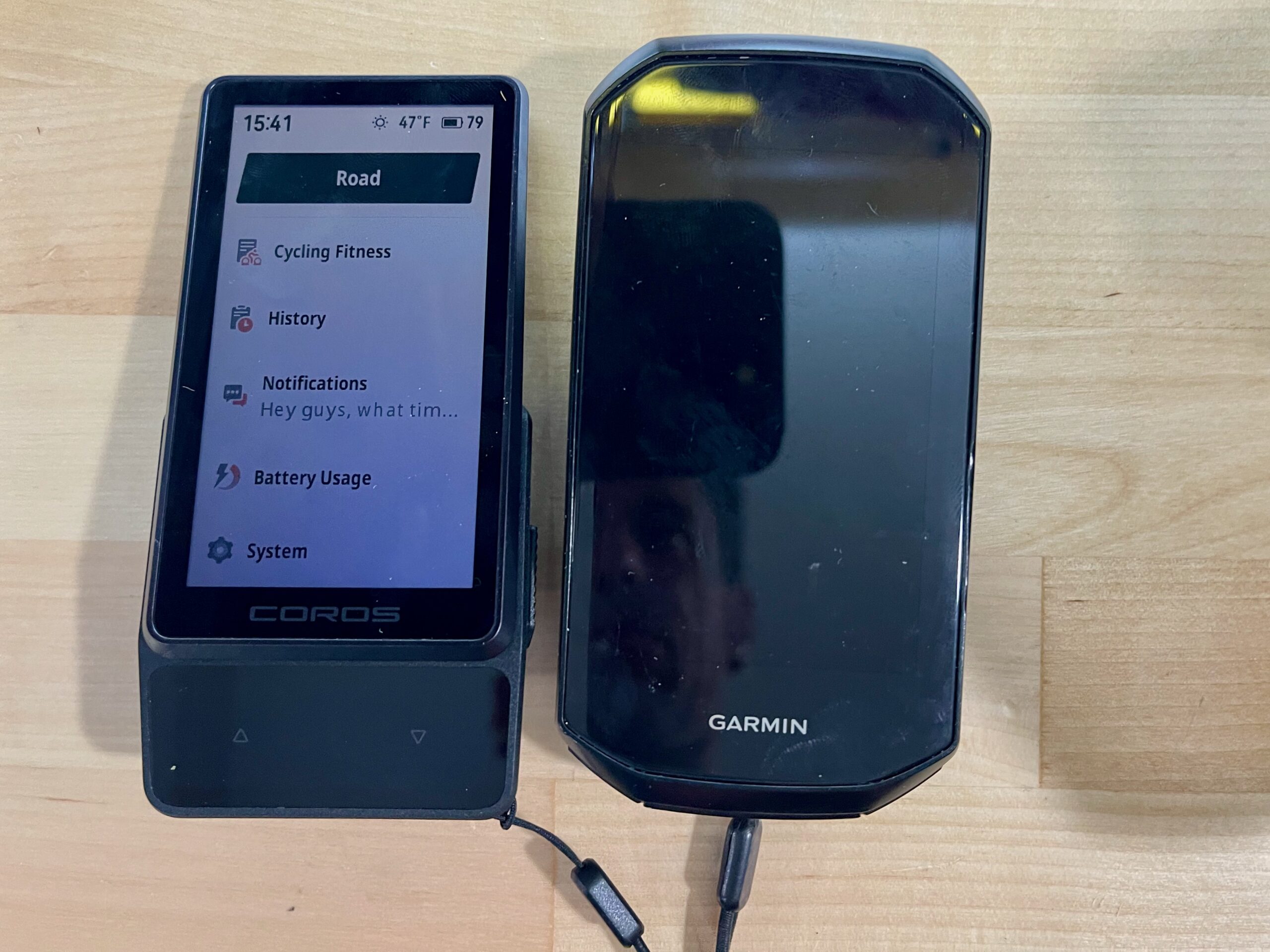
Install And Setup
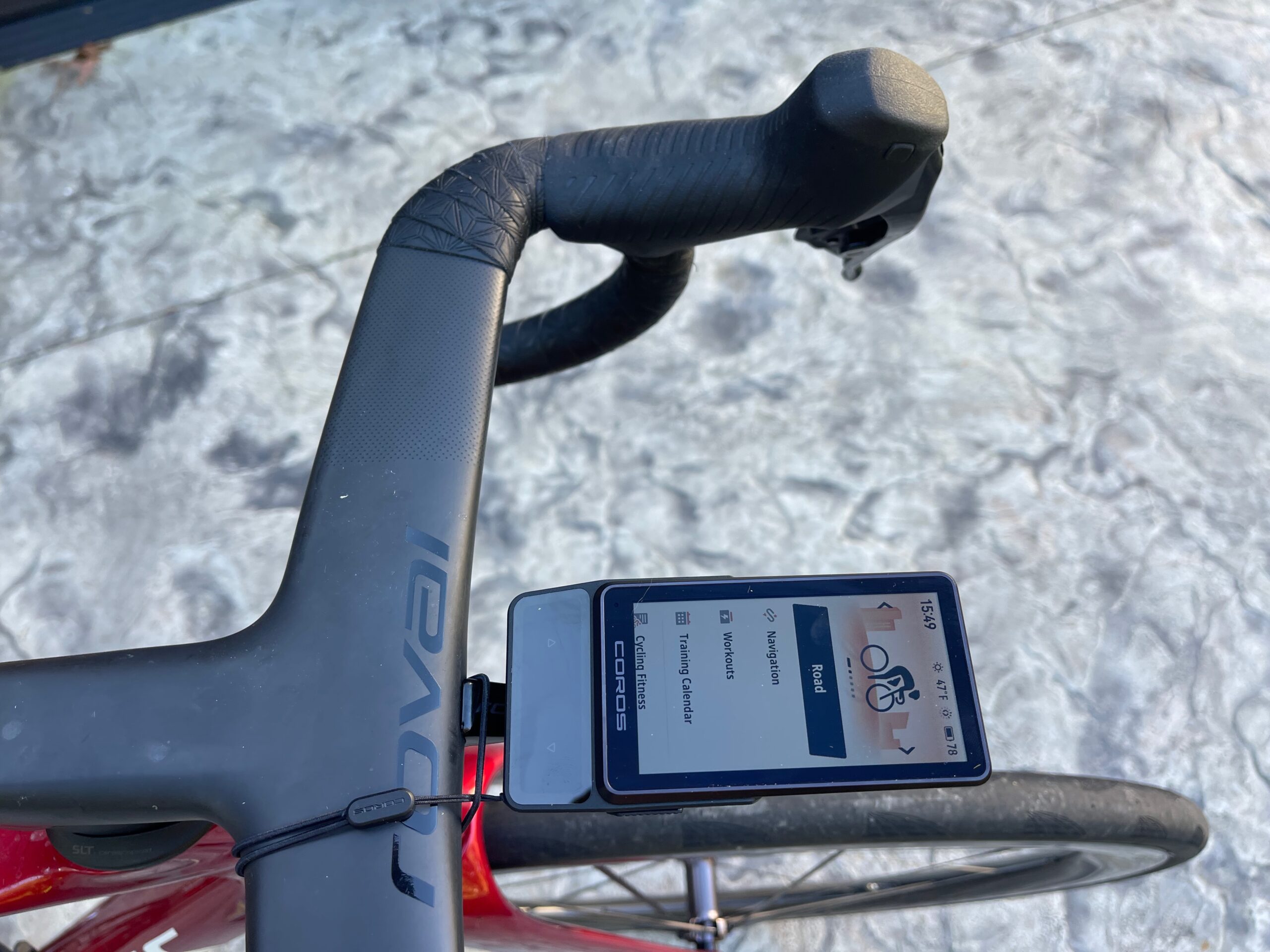
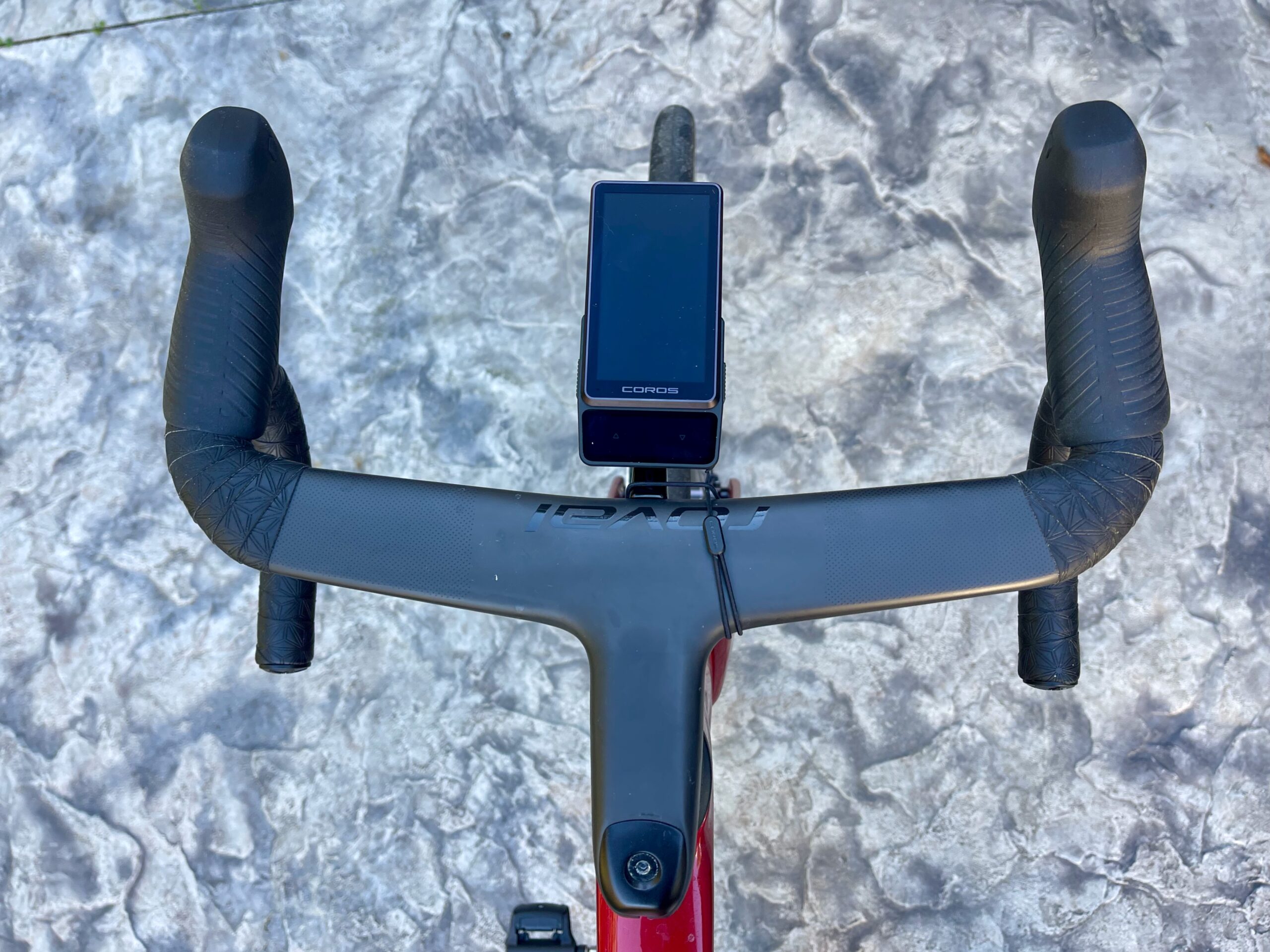
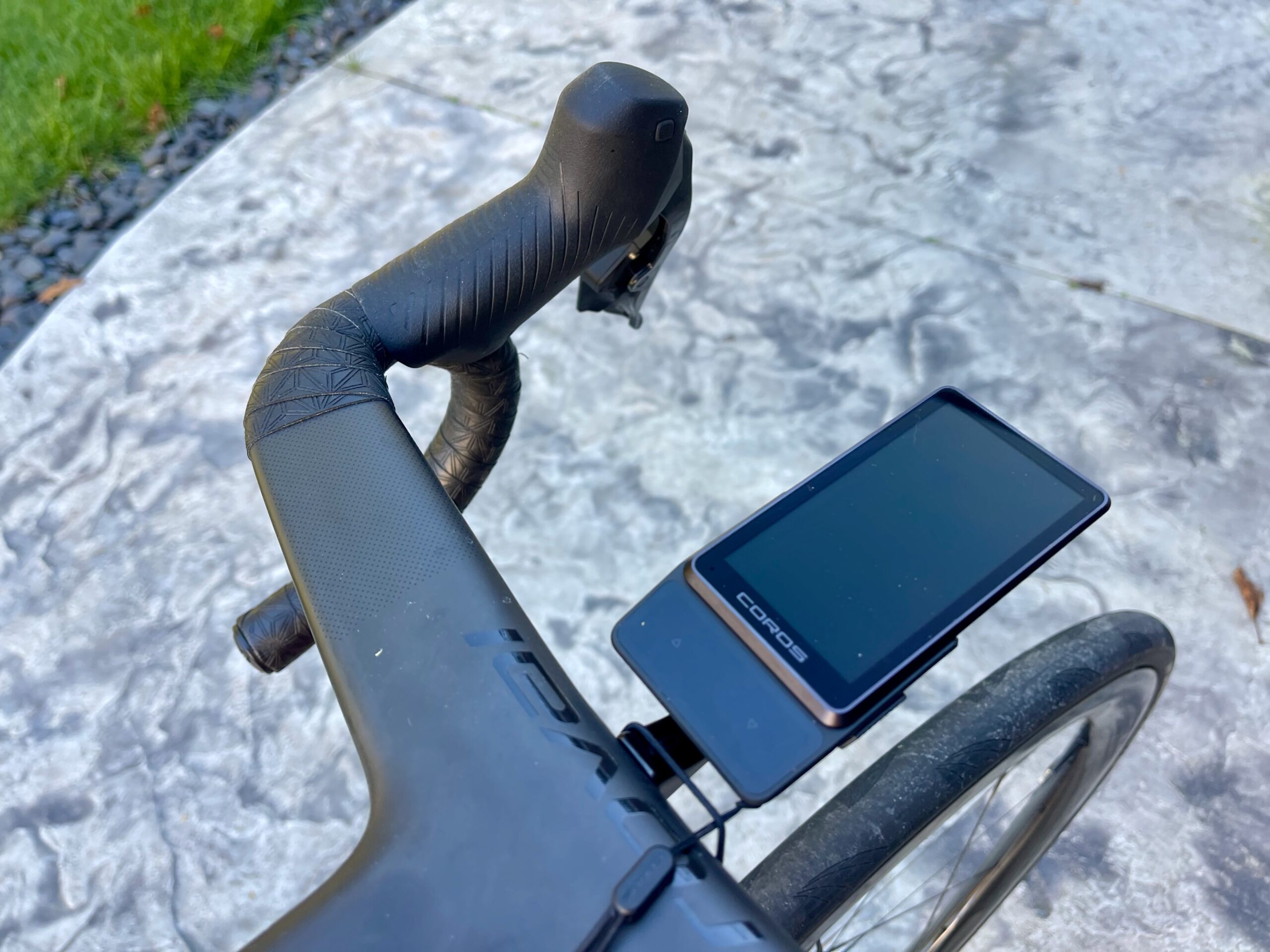
The install is super easy, and truthfully I didn’t have to do anything. The mount used the same half-turn mount as the Garmin 1040 this replaced on my bike.
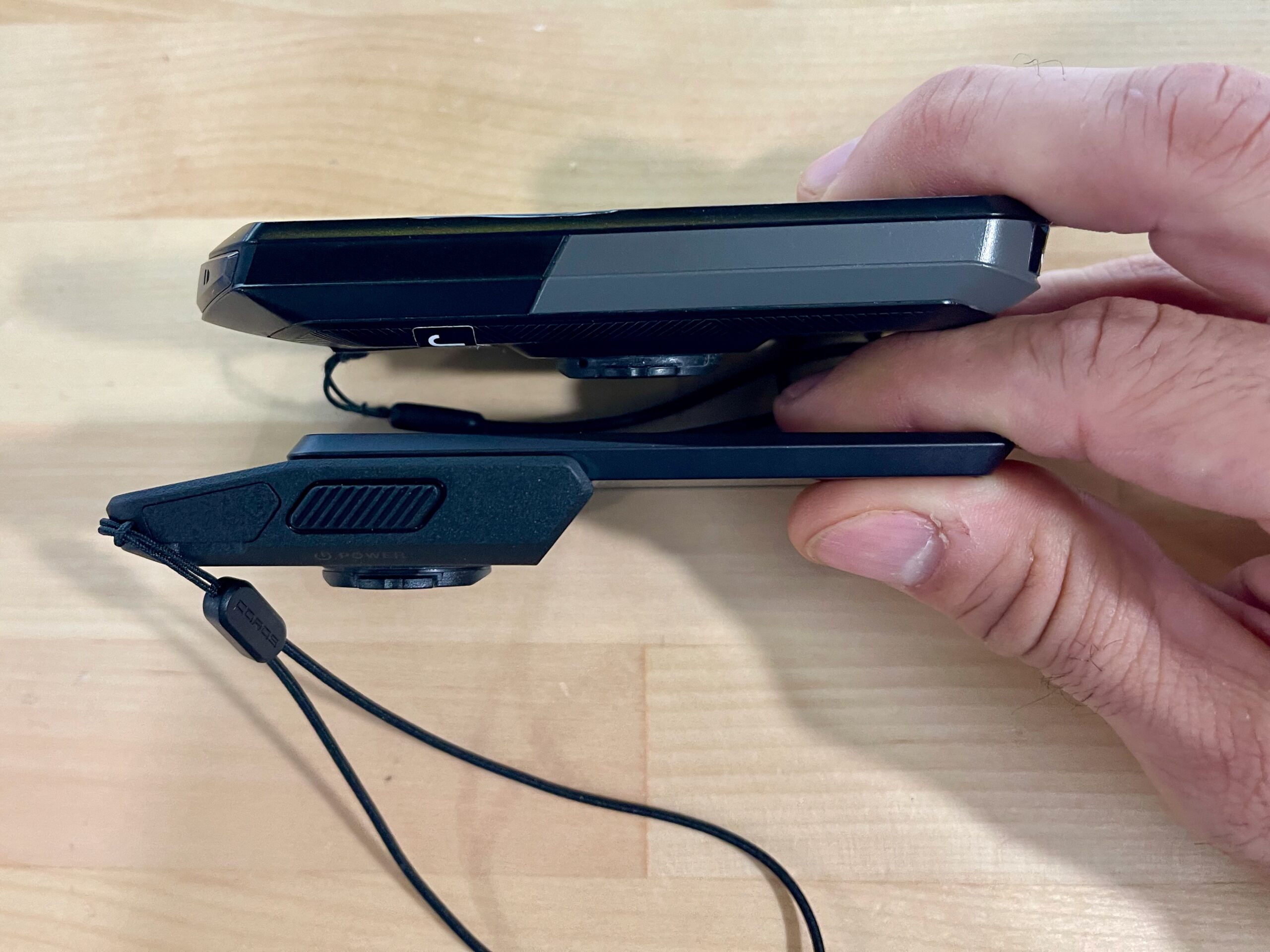
It’s large, but I had zero issues fitting it on my gravel or road bike. While on the bike, the unit looks classy, especially when you see the COROS logo straight on. Something that no other computer can provide.
Ride Impressions: DURA COROS 2
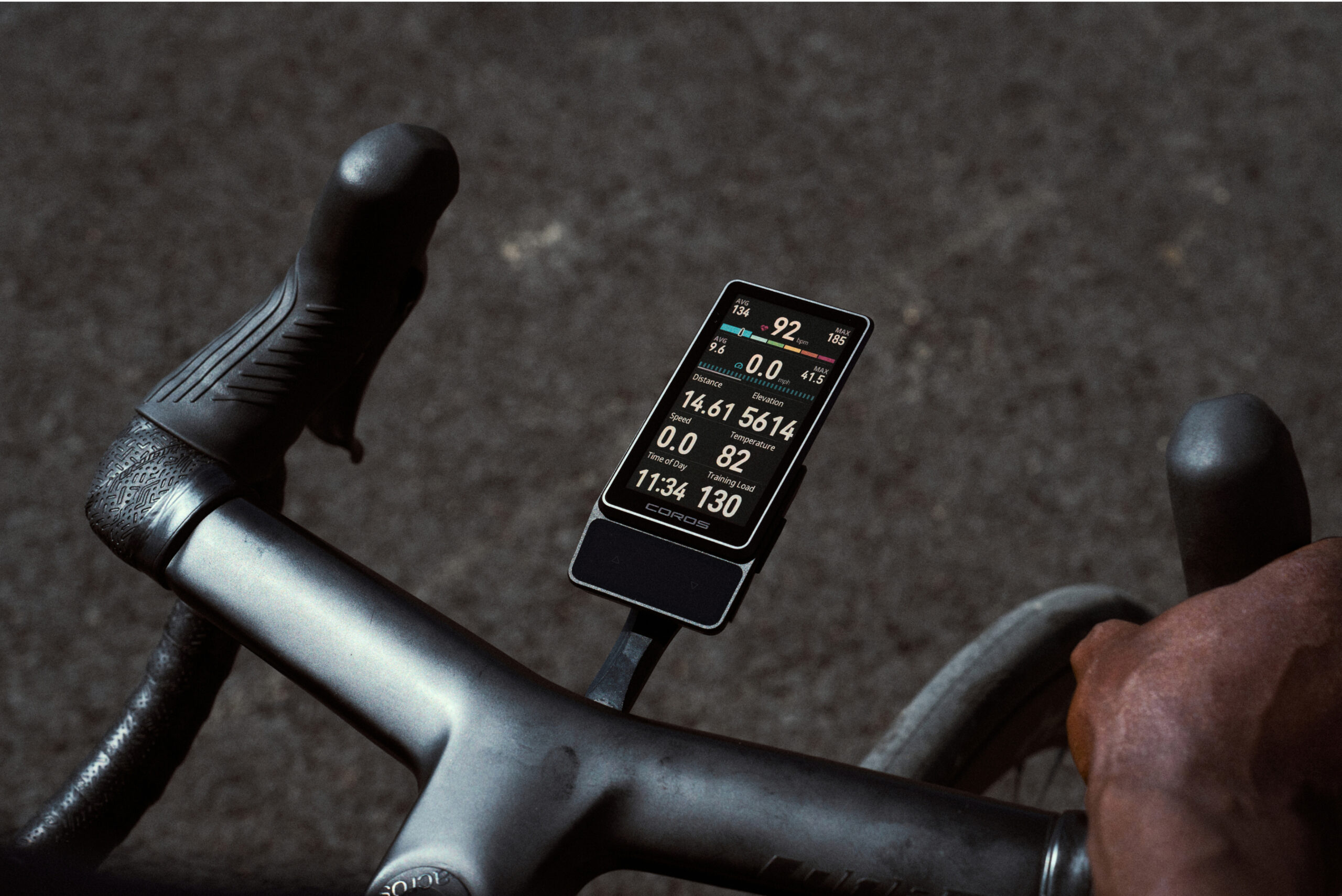
I took my first couple of COROS DURA 2 review rides on my road bike. I paired my Wahoo Radar without fuss and quickly learned the DURA 2 interface. The saved data points/screens are pretty straightforward. There are screens for heart rate, power metrics, elevation, and a map. You can customize them all, but I didn’t find too much to move around. I moved the 3-sec power, lap time, lap NP, and a few others to a new screen, but the default setup was good from the start.
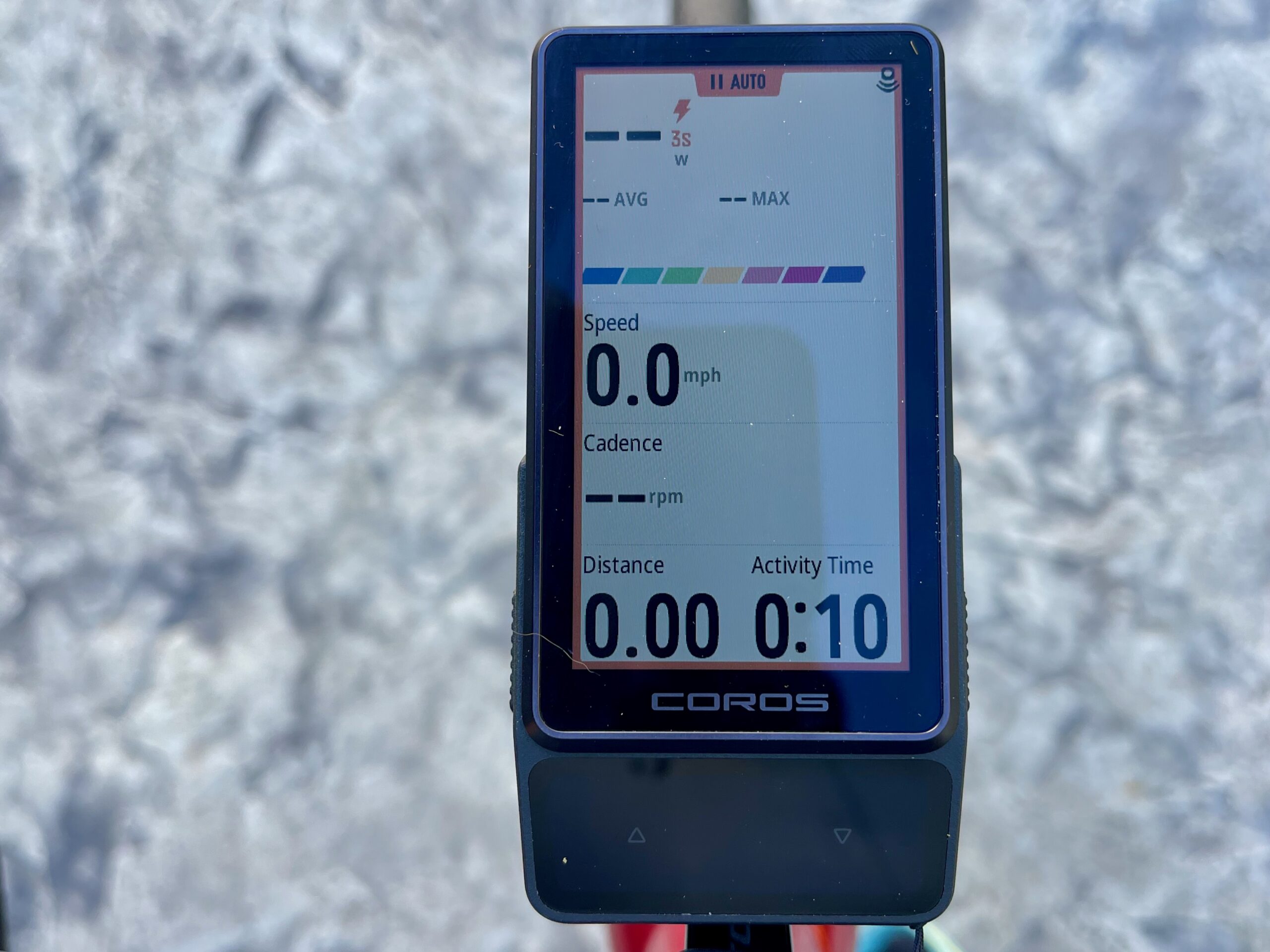
The graphs are a cool touch, though not 100% necessary. I like being able to glance down and see if I’m in the right zone. The color-coded graphs help with that, especially if you’re trying to stay “in the zone,” since it’s not just a number but a spectrum. Then you just look to stay in “green” or “yellow”, rather than number chasing. It’s nice to get a visual break from those.
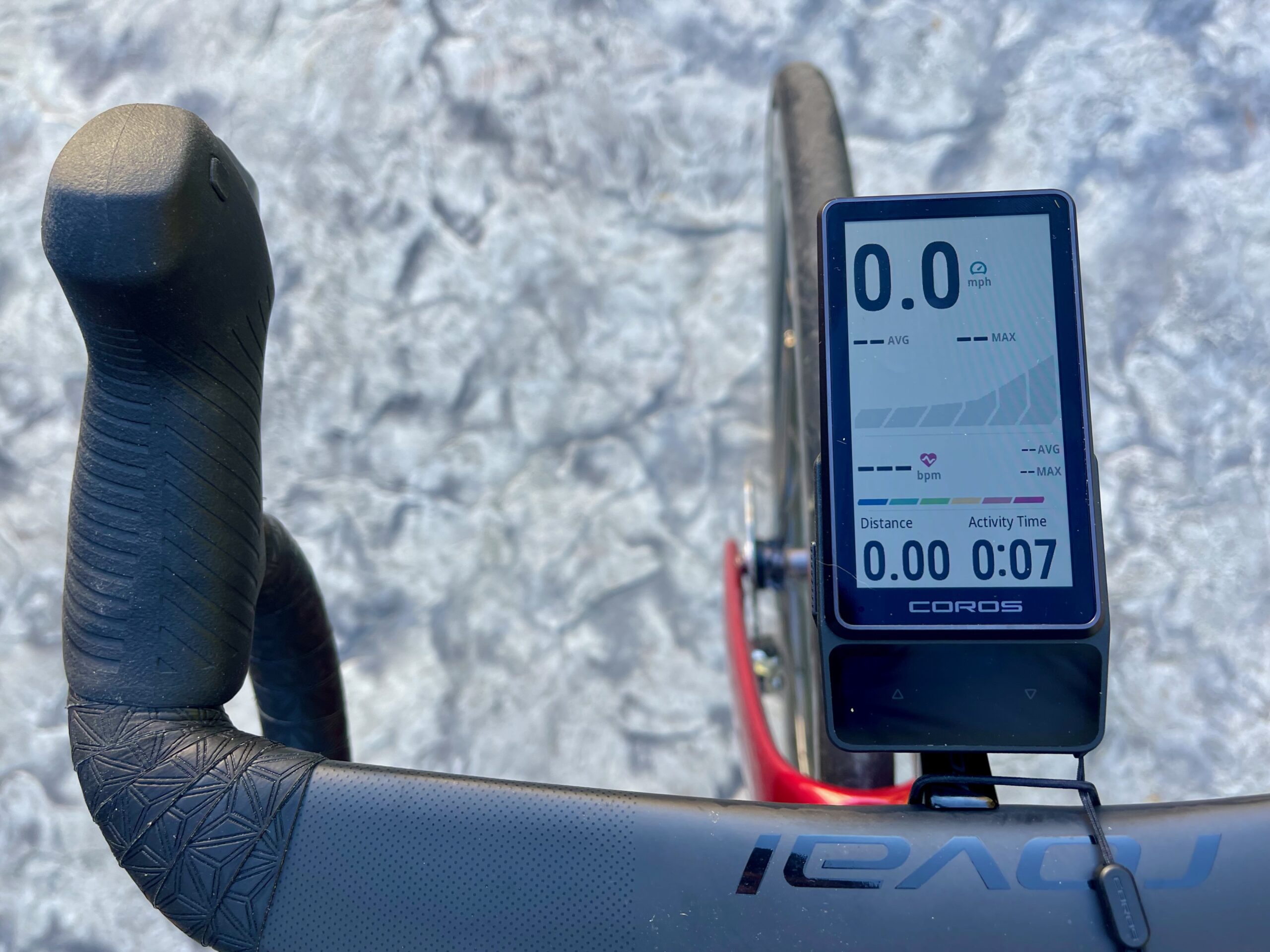
The screen visibility in bright sun is decent, but it could be brighter. Also of note, to find the brightness settings while an activity is recording, you’ll need to swipe down from the top of the screen. It’s a little confusing at first since you can’t find this menu with a physical button. Ours is just set at max brightness, where it will probably stay.
Touch Screen
I find the touch screen to be very responsive, and I love the pulse when engaged. Going from screen to screen indicated a pulse; same with touches and selections. The experience is the same with and without gloves, though we haven’t had bulky glove season here in Pittsburgh yet.
Did you use the buttons? Yes and no. For laps, yes, but for everything else I used the solar pad and the screen. Mostly, I used the screen, but that’s a habit from years of using Garmin touchscreens. The buttons are large and slightly textured, so they are easy to hit when you’re taking a lap or finishing one.
Mapping
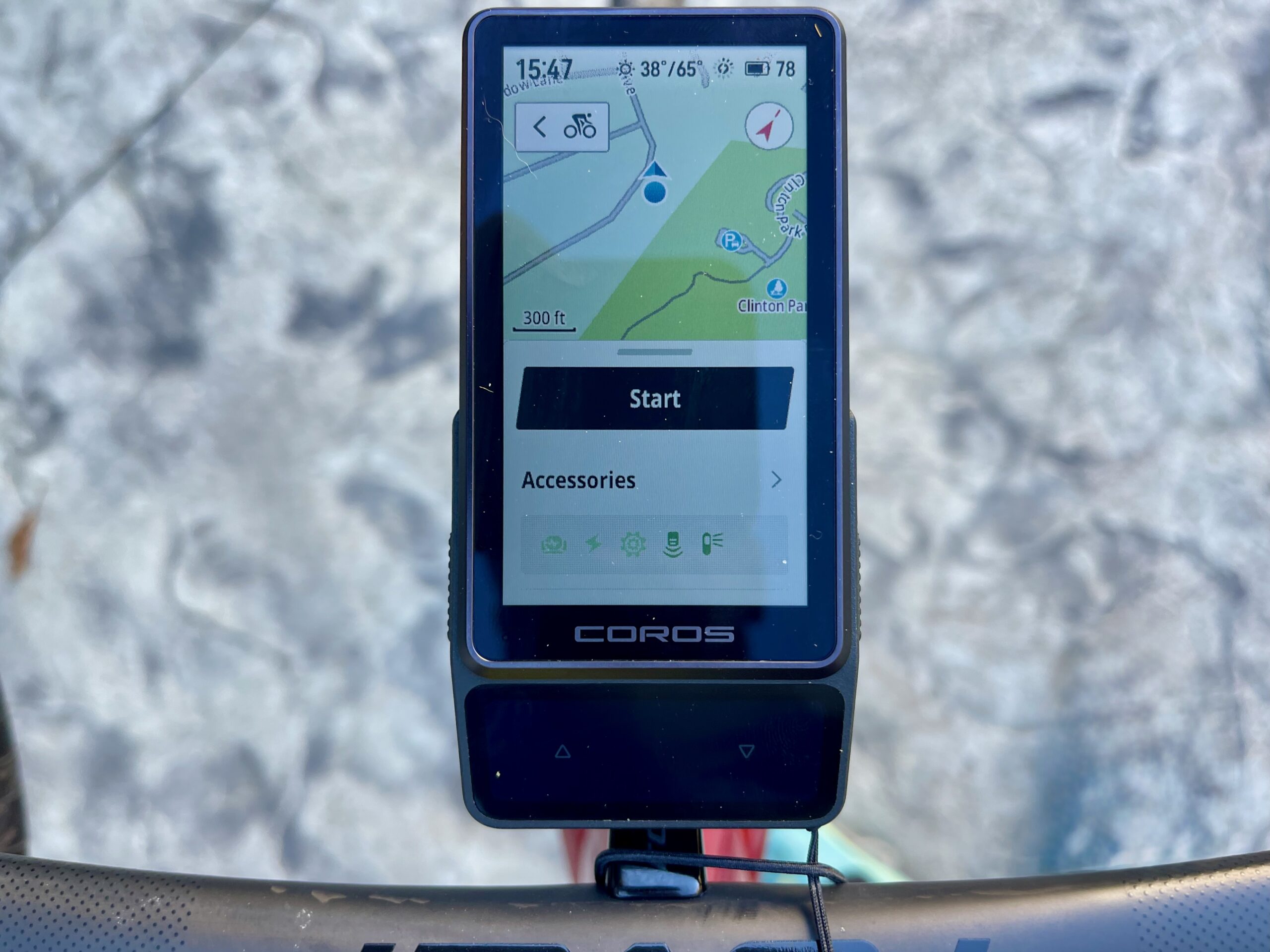
So far, the mapping is solid. I haven’t done many long trips yet, but the overall view, zoom in/out, and panning are excellent.
The same goes for the voice control. I’ve used it a few times, but it’s not a major selling point for what I’m looking for in a head unit. The unit has to be connected to the COROS app for the voice control to work. It’s a cool feature, similar to your phone and kind of like Siri, but for everything on the head unit. I’m still playing with it, so look for more in our full review.
Solar Charging
The COROS DURA 2’s solar charging and battery life are exceptional. But the OG DURA was the same; I didn’t need to recharge that unit. As of now, I have about two weeks of riding on the unit, and about 79% of the battery remains from the initial 100% charge. 10% of that comes from “total solar charge” via the solar panels. I did use the unit for a few indoor rides; no solar benefit there.
Will I be Ditching My Garmin?
This is a valid question, and it’s one that’s got me thinking. The DURA 2 head unit is much more refined than the original, and it’s worth considering. It’s lighter than the Garmin I usually ride with, and it has a brighter, more playful look.
There have been zero drawbacks (except for the default loading into my Garmin Connect), but I like to see all my data in one place, and for years that’s been TrainingPeaks or some other training app.
Surprise Features
I LOVE the “find my device” feature because I always forget where I put mine. It’s a small thing, but it’s a big deal when you’re heading out for a group ride and realize you don’t have your head unit. You can activate this feature from the COROS App, and the head unit plays a small ding similar to the “Find My” feature.
Is The DURA COROS Worth The Price?
Calling a $499/$549 bicycle head unit affordable is not the reality here. However, so far, the COROS DURA 2 offers nearly the same (but around 60-100g lighter) experience as the Garmin 1050 ($699) and Wahoo Ace ($499).
Yes – there are some trade-offs, and COROS doesn’t have the depth (yet) in the market and accessory offerings. Since this is only their second cycling head unit offering, they’re on the right track. I’ve enjoyed my time so far on the COROS DURA 2 and hope the steady flow of updates only adds to that stoke.
